LEGO MINDSTORMS EV3 Announced

ev3rstorm-mindstorms-ev3-small

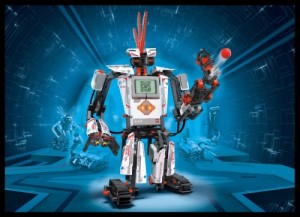
CONSUMER ELECTRONICS SHOW, LAS VEGAS (January 7, 2013) – Today The LEGO Group announced LEGO® MINDSTORMS EV3, a new platform for consumer robotics designed to introduce a younger generation to the excitement of building and programming robots while adding new flexibility for its devoted following of robotics enthusiasts. Unveiled for the first time at the Consumer Electronics Show in Las Vegas, Nevada, LEGO MINDSTORMS EV3 is the result of three years of product development by an international team of LEGO designers, MINDSTORMS user-enthusiasts and leading technology experts. LEGO MINDSTORMS EV3, available in the second half of 2013, will be previewed to members of the global media at Digital Experience! on January 7 and will be demonstrated to CES attendees during the Kids@Play Summit, January 8-11, 2013, in the Venetian Hotel.


With LEGO MINDSTORMS EV3 you can turn your LEGO creations into live robots that follow your every command. The new LEGO MINDSTORMS EV3 set includes everything you need – motors, sensors, programmable brick, 550+ LEGO Technic elements, remote control – to create and command robots of even your wildest imagination, including 5 cool robot characters. Download the 3D building instructions and the app to command your robot via your smart device. Then program your robots to walk, talk, move and do whatever you want them to do to via the intuitive software program, the programmable brick or your smart device.

MINDSTORM_EV3_RGB_Trans_thumb

And not only do we have this good news, we also have the specifications:

EV3 Intelligent Brick

  • Stronger and faster ARM9 robotic processor
  • Embedded 16MB FLASH memory
  • 64 MB RAM plus SD expansion slot
  • LINUX operating system, released under open source
  • USB 2.0 interface allows for WiFi connectivity
  • 4 input ports: Connect up to 4 sensors at the same time, including your NXT sensors
  • 4 output ports: Now you can power up to 4 motors (Either Large, Medium or NXT)
  • Up to four intelligent bricks to be connected together (That’s 16 sensor and 16 motor ports!)
  • Matrix display with loudspeaker
  • Button interface with status indication
  • Enhanced on-brick programming
  • Bluetooth ® v2.1
  • iOS and Android compatible

Hardware

  • 3 Interactive Servo Motors: 2 large and 1 medium
  • 1 Touch Sensor
  • New IR Seeker Sensor measures distance, movements and detects objects, and acts as a receiver for the remote control
  • New IR Beacon remotely controls robot from up to 2 meters (6 feet) away
  • Improved Color Sensor detects 6 colors as well as the brightness of light sources
  • Backwards-compatible with LEGO MINDSTORMS NXT: Connect your NXT Sensors and motors to the new EV3 brick.
  • Assortment of 594 LEGO TECHNIC® elements for easy, more stable building with improved functionality and movement capabilities

Programming Software

  • Downloadable software is PC and Mac compatible
  • Icon-based drag and drop environment for “building” programs with new interactive content that helps de-bug programming


Read more at BotBench
Read more at RobotSquare
Read more at Lego.com
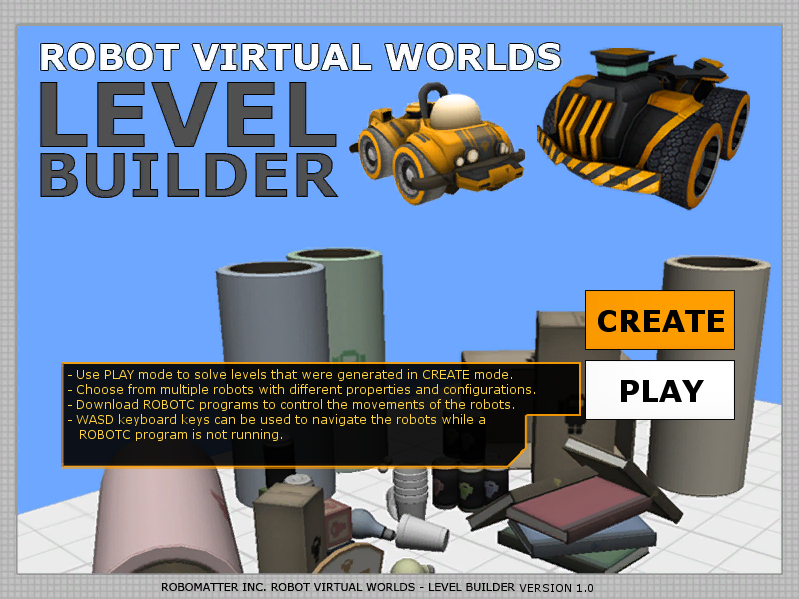
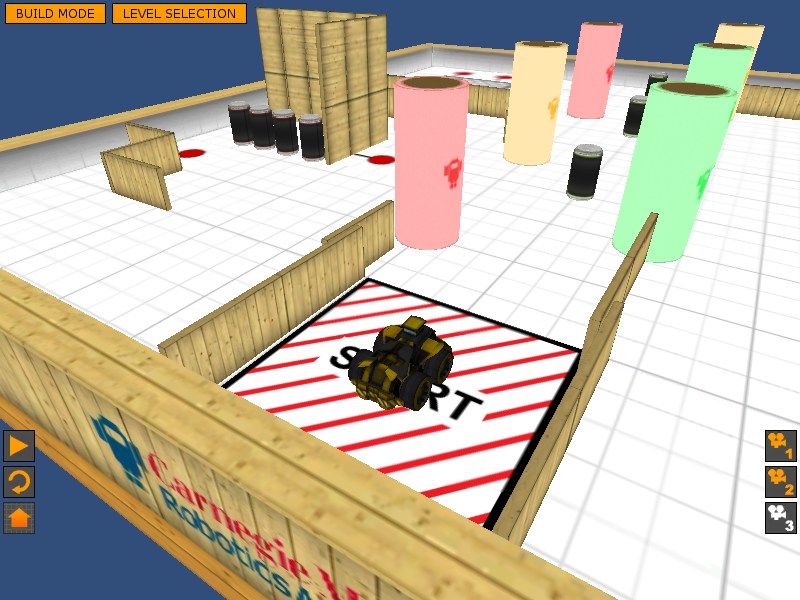
Robot Virtual World Level Builder v. 1.0 Now Available! at ROBOTC.net Blog

Robot Virtual World Level Builder v. 1.0 Now Available!

The Level Builder will appear with two options: CREATE and PLAY.

  • Use CREATE to configure your own virtual world level out of classroom themed assets.
  • Use PLAY to program a virtual robot to complete a level generated in CREATE mode.


via Robot Virtual World Level Builder v. 1.0 Now Available! at ROBOTC.net Blog.

NI WorldClass 2012 – Video

Back from NI Worldclass 2012, here is the official video. Thanks to NI and all the nice people I have met there! It was great fun and an „once in a lifetime“ experience!

The robot shown in the video is a Robotino from Festo Didactic.

Don’t forget to apply for WorldClass 2013! You should not miss that!

Legal Download of NXT-G for free!

Here is what Damien Kee wrote on [email protected]:

Great news if you have lost your installation CD or you are looking to
install NXT-G on more computers.

LEGO has just released the NXT-G 2.0 software for download for free.

A few caveats though. This is the retail version of the software so
you won’t have any of the nice graphical datalogging capabilities and
there is no ‚Robot Educator‘ so you don’t have access to all the great
tutorials. The temperature sensor blocks aren’t included but the
colour sensor blocks are. You can always download a temperature block
from Steve Hassenplug’s website
(http://www.teamhassenplug.org/NXT/NXTGAdditions.html)

But if all you are doing is standard programming, this will be fine.
I know of one teacher who is happy that they can now load a version of
the software onto their student laptops to take home (previous site
licences were a little murky on take home laptops).

The download is here as well as instructions on how to install it.
http://service.lego.com/en-us/HelpTopics/default.aspx?questionID=2655

Whilst I haven’t tried it myself, I have heard of others being successful.

Regards
Damien Kee

MINDSENSORS ARDUINO interface

Infos from TheNxtStep (Author: Daniele Benedettelli):
http://www.mindsensors.com/images/pagemaster/NXShieldwithUnow300.jpg

MINDSENSORS has designed this shield that will allow Arduino to replace *ehm* to be integrated into the LEGO MINDSTORMS system.

It will have 4 NXT motor ports, 4 NXT sensor ports and several RC servo motor ports. The NXShield will attach to an Arduino Duemilanove or Uno or similar Arduino clones. (Picture shown here with a Duemilanove)
The programming for the NXShield will be on Arduino, using usual Arduino C/C++ programming environment. There will be only one I2C port, so you can use multiple sensors on the bus only if they have different addresses.

Roberta Manual zum Entwickeln von Android Apps

http://roberta-home.de/sites/default/files/images/android_logo.artikelbild.gif
Dieses Manual zeigt wie Apps für das Google Betriebssystem Android programmiert werden können und wie diese u. a. mit
dem LEGO Mindstorms NXT verbunden werden.

Die Entwicklung der Apps erfolgt mit dem App Inventor von Google. Eine Schritt-für-Schritt Anleitung mit vielen Screen-Shots erläutert ausführlich die grafische Programmierung der Android-Apps.

Inhaltsverzeichnis:
Impressum
Vorwort
Allgemeine Information
Warum App Inventor?
Was ist Google App Inventor?
Versuchsaufbau und vorbereitende Arbeiten
Meine Erste App
App zur Steuerung des NXT
Ausblick
Links und Literatur

Link zur Download-Seite: http://roberta-home.de/de/was-bietet-roberta/roberta-reihe/roberta-manual-zum-entwickeln-von-android-apps

Experiment „Dockingstation“ / Jeffrey

Heyho,

Some of you already know about it, but now it is official. As a fan of Roberta on Facebook (http://www.facebook.com/Roberta.Roboter) you are now able to download an exclusive experiment, describing a dockingstation and a NXT robot, called „Jeffrey“ that is able to find this dockingstation to recharge its battery. Just log in to Facebook, become a fan and click on „For Fans only!“.

Btw, this is the experiment i showed in Zwolle, some of you might remember.

Feel free to blog about it, give feedback and have fun with it!

br,

Sebastian