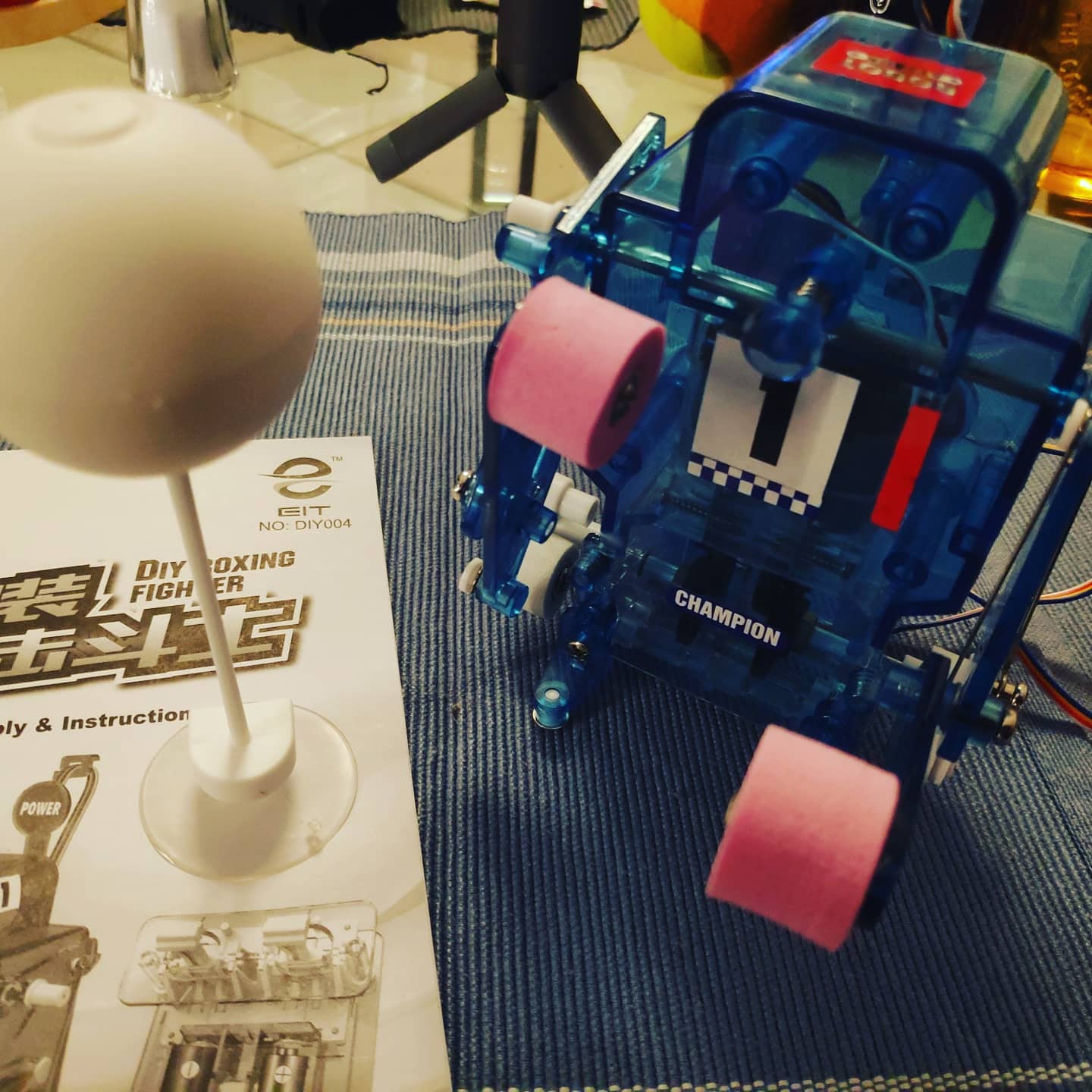
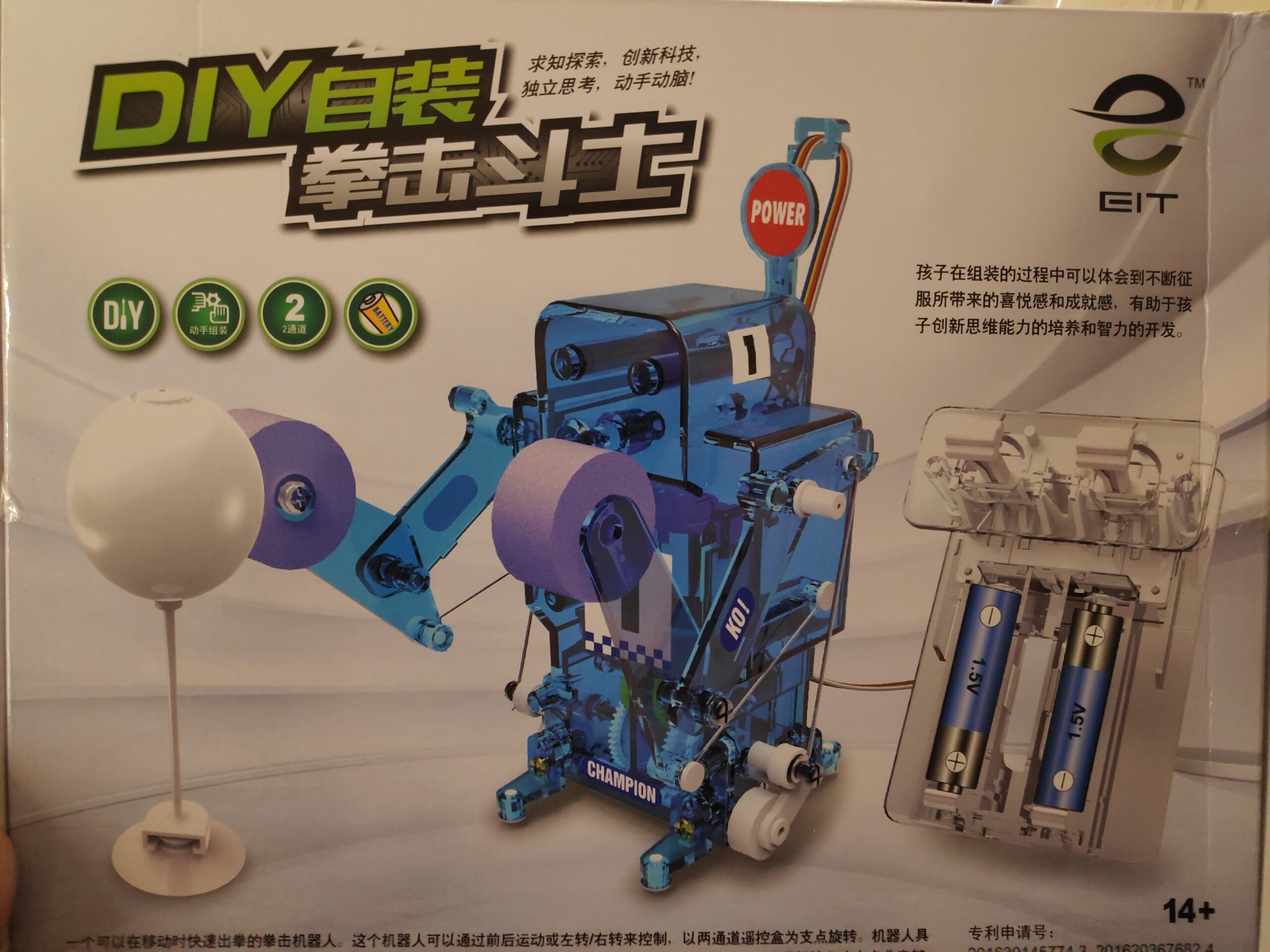
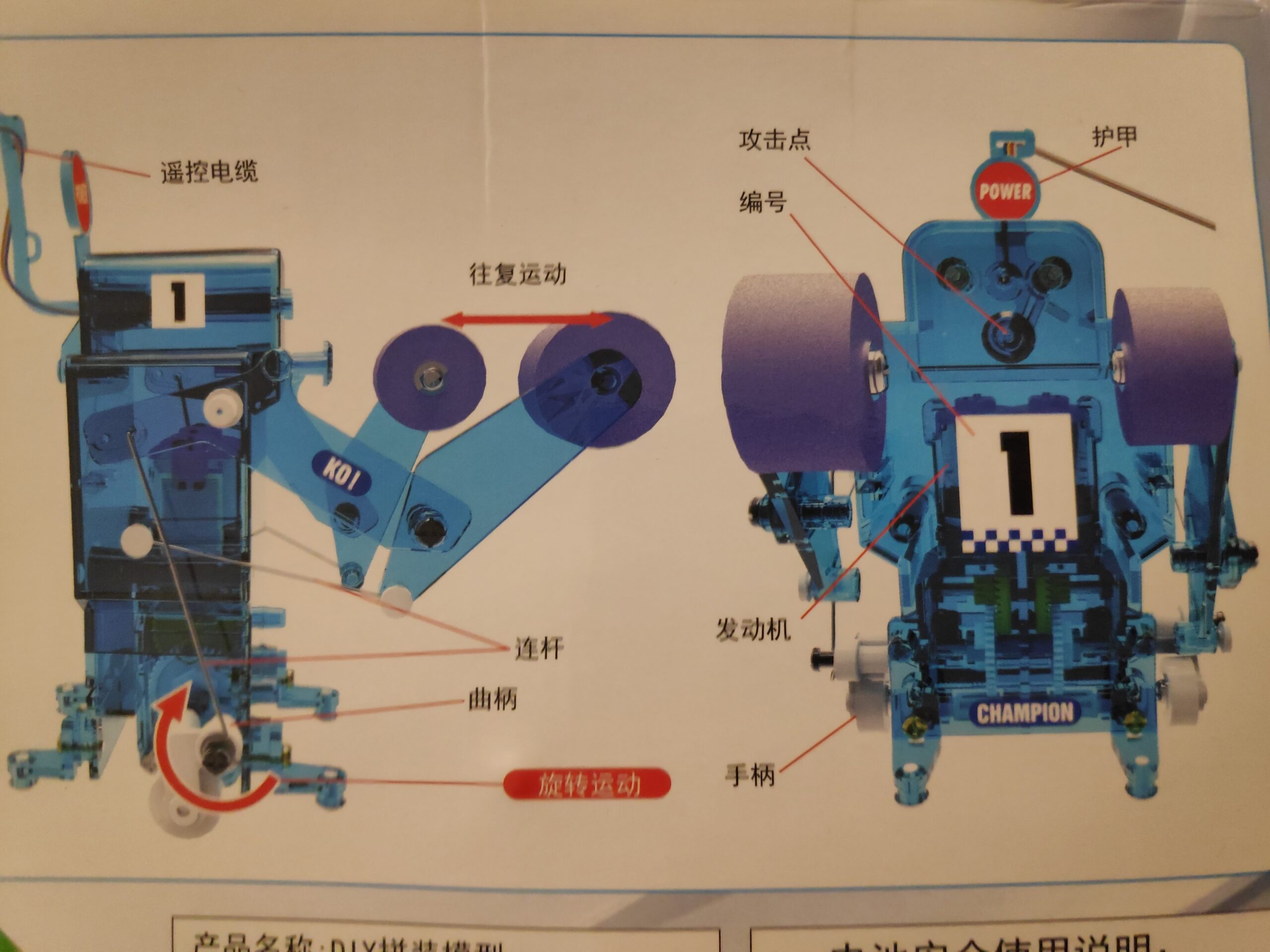
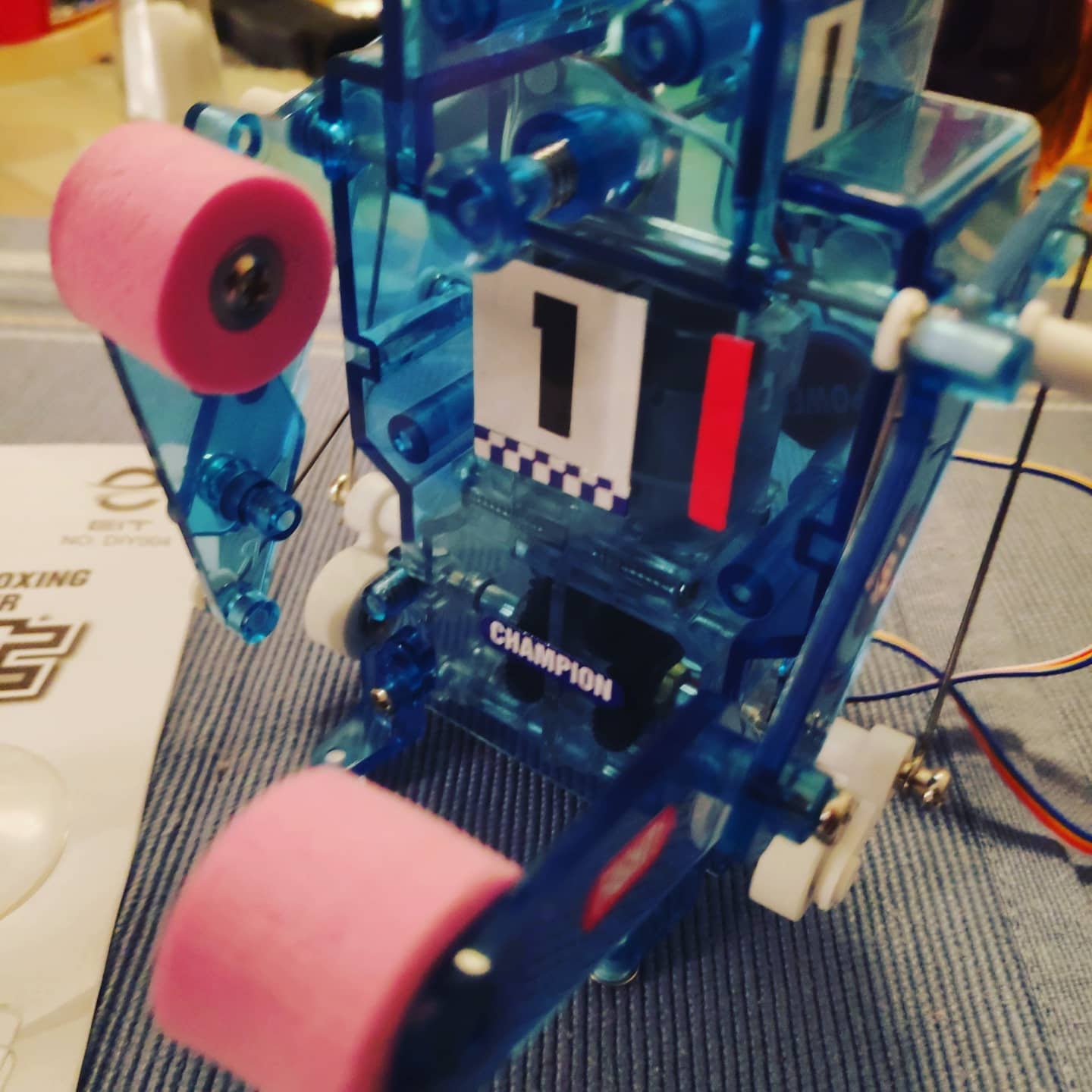
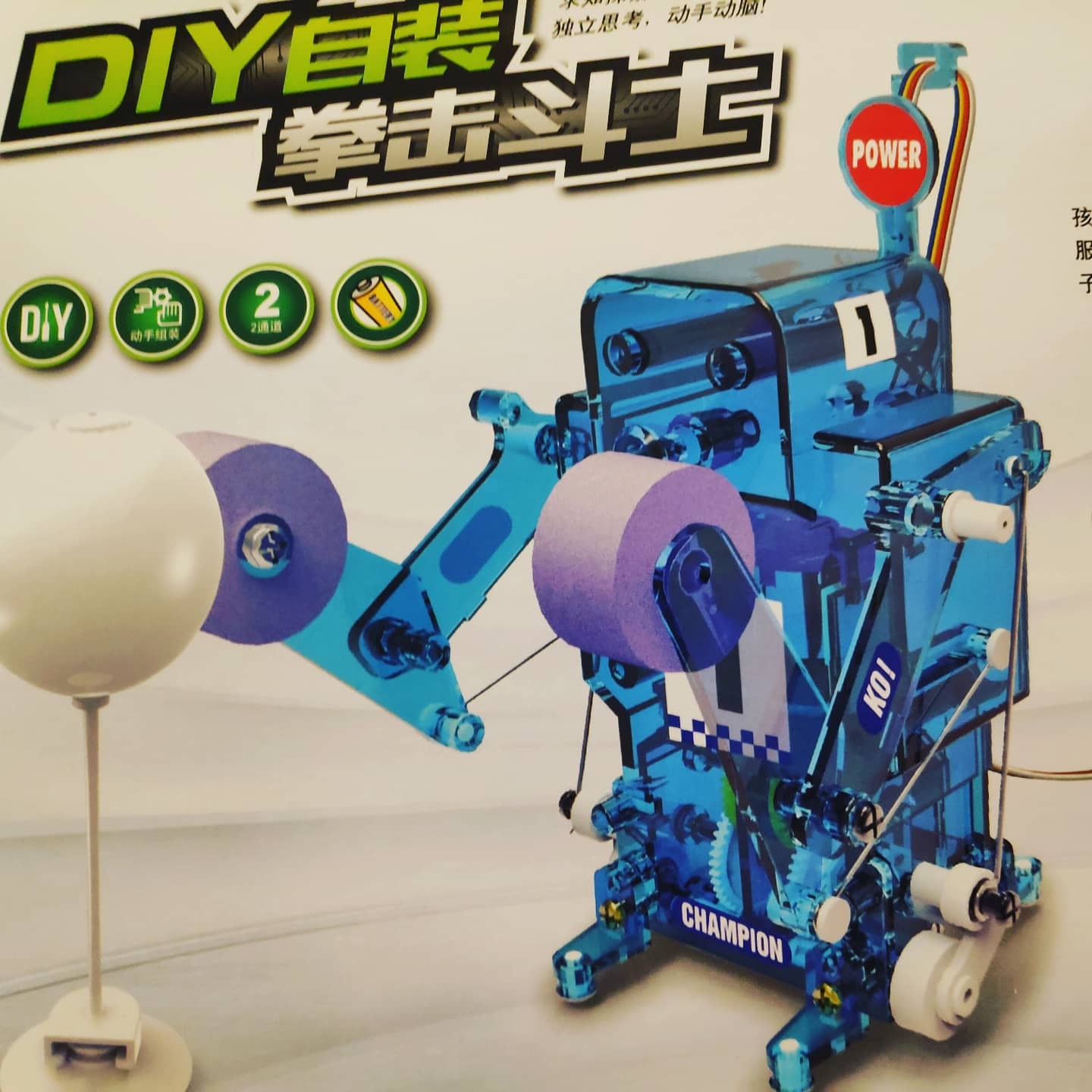
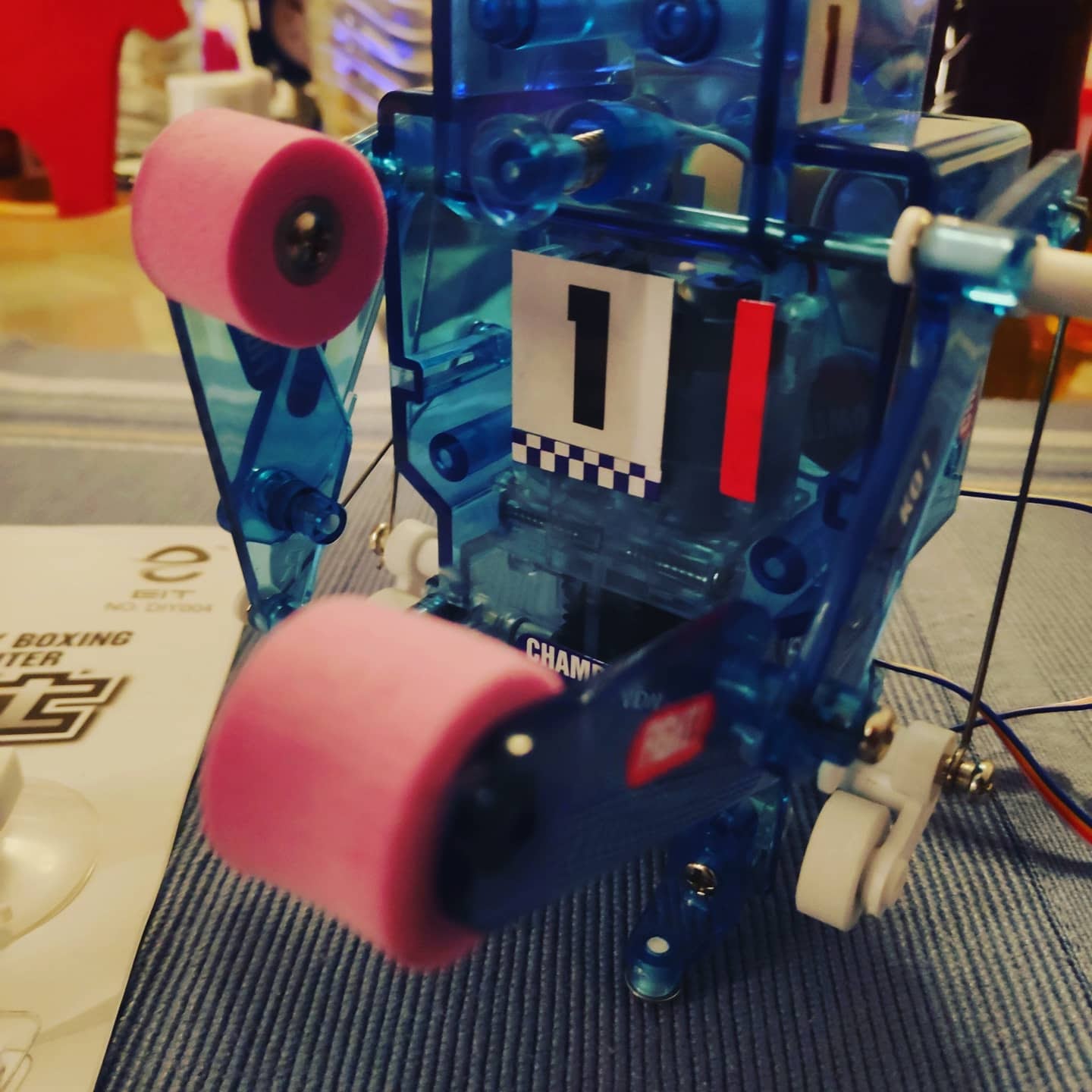
EIT DIY Boxing Robot Timelapse Build. Build your own Boxer Robot. Find the latest News on robots, drones, AI, robotic toys and gadgets at robots-blog.com. If you want to see your product featured on our Blog, Instagram, Facebook, Twitter or our other sites, contact us. #robots #robot #omgrobots #roboter #robotic #mycollection #collector #robotsblog #collection #botsofinstagram #bot #robotics #robotik #gadget #gadgets #toy #toys #drone #robotsofinstagram #instabots #photooftheday #picoftheday #followforfollow #instadaily #boxer #boxing #eit #diy #buildingkit #sport
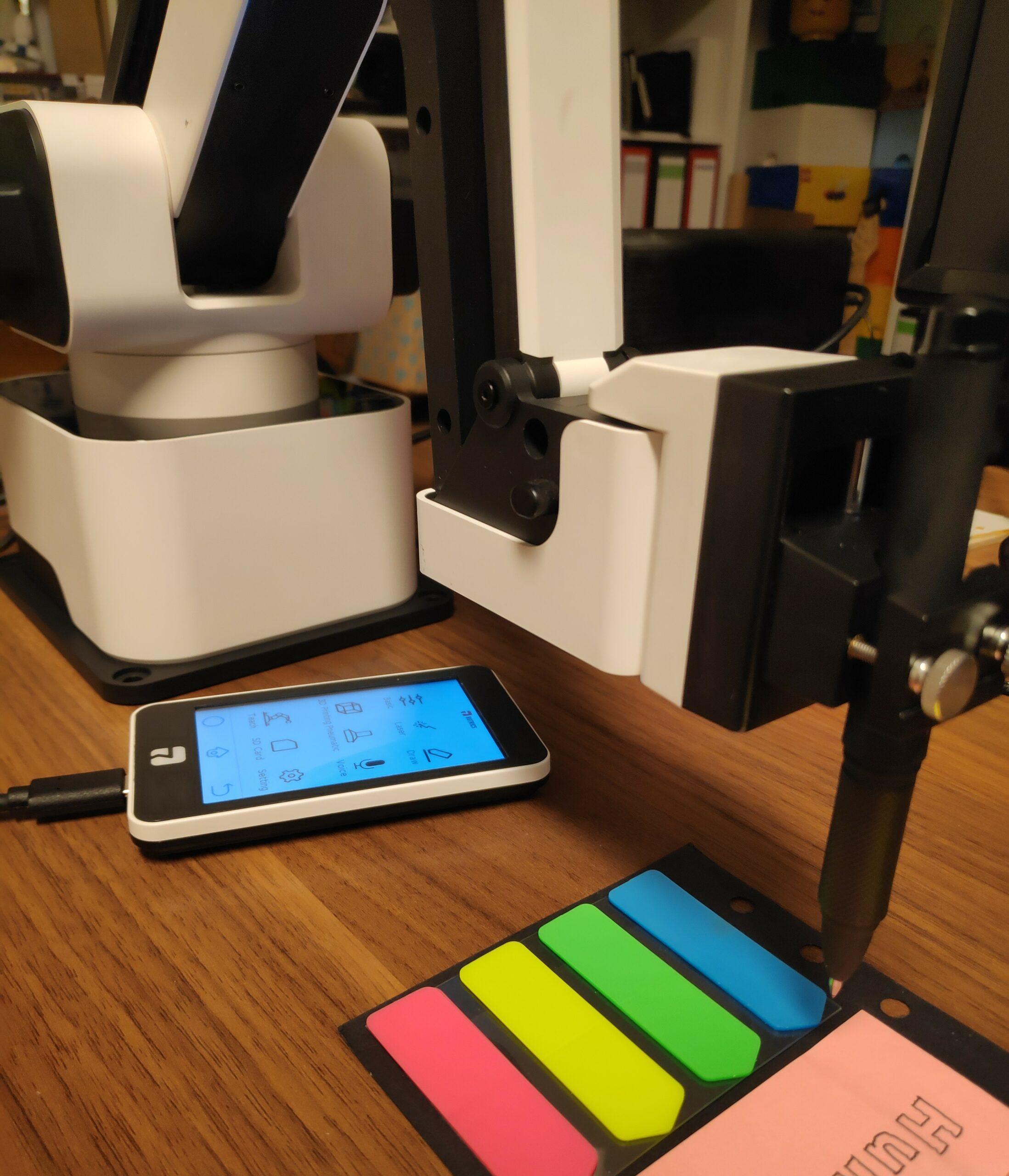
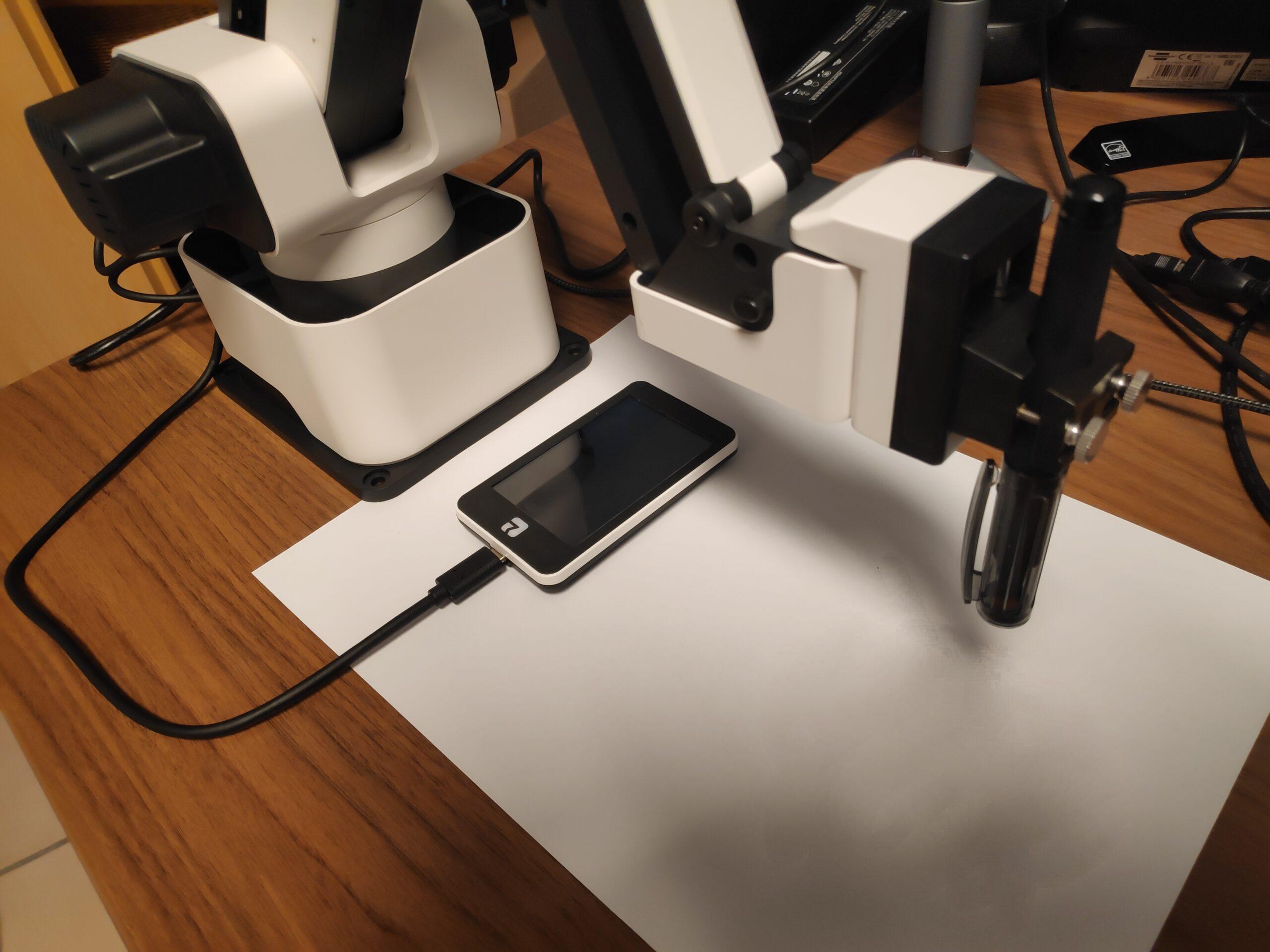
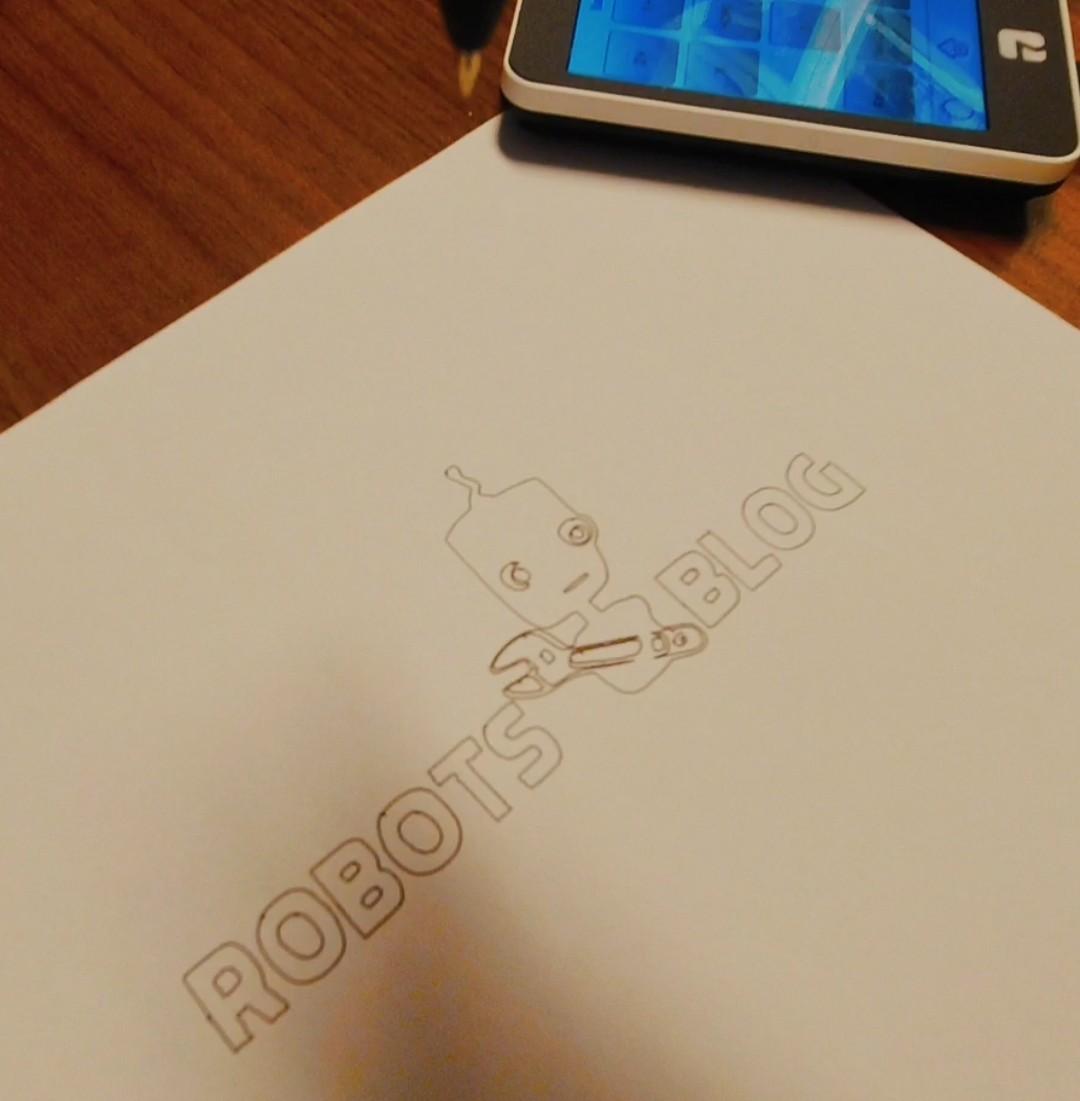
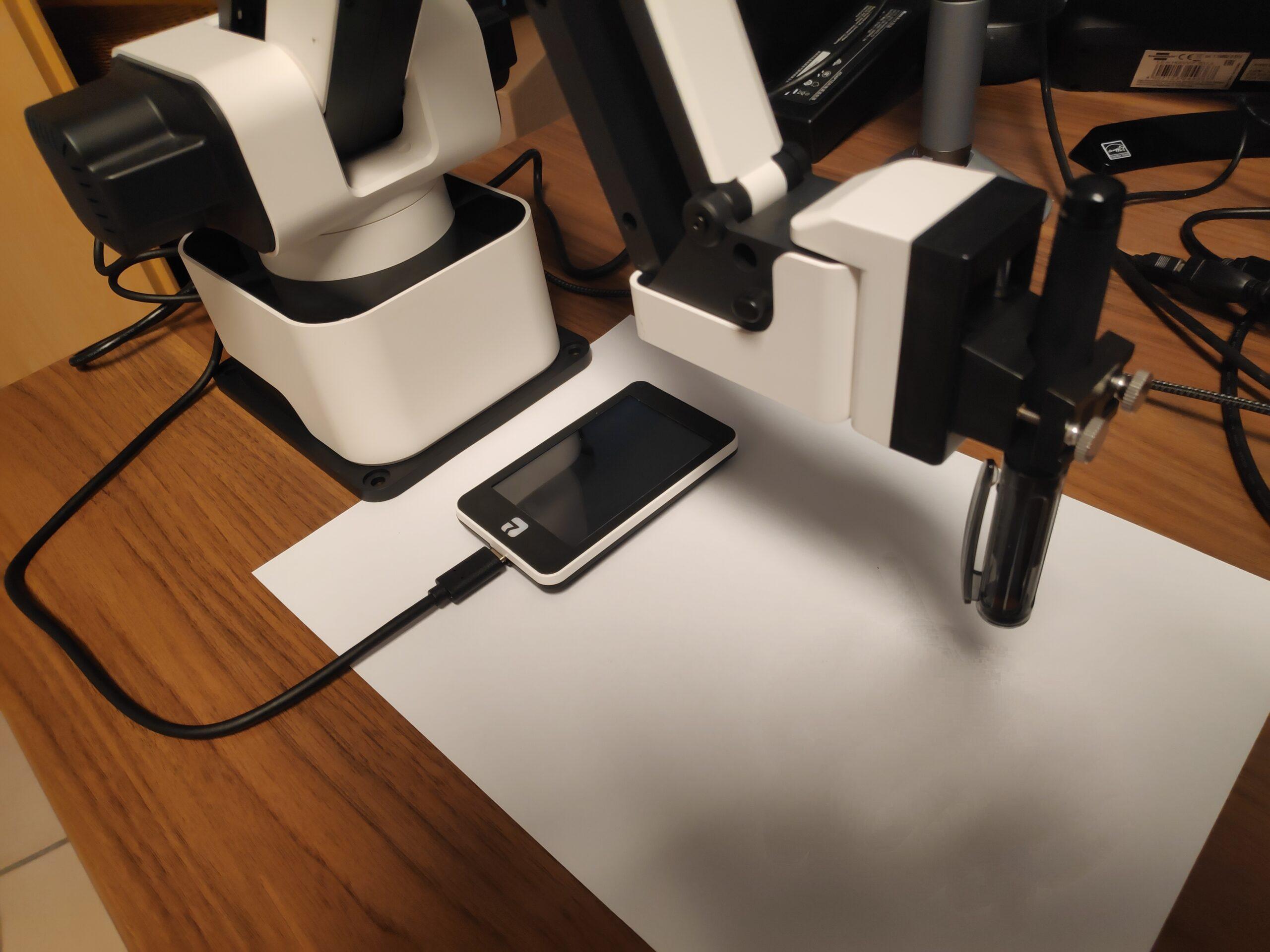
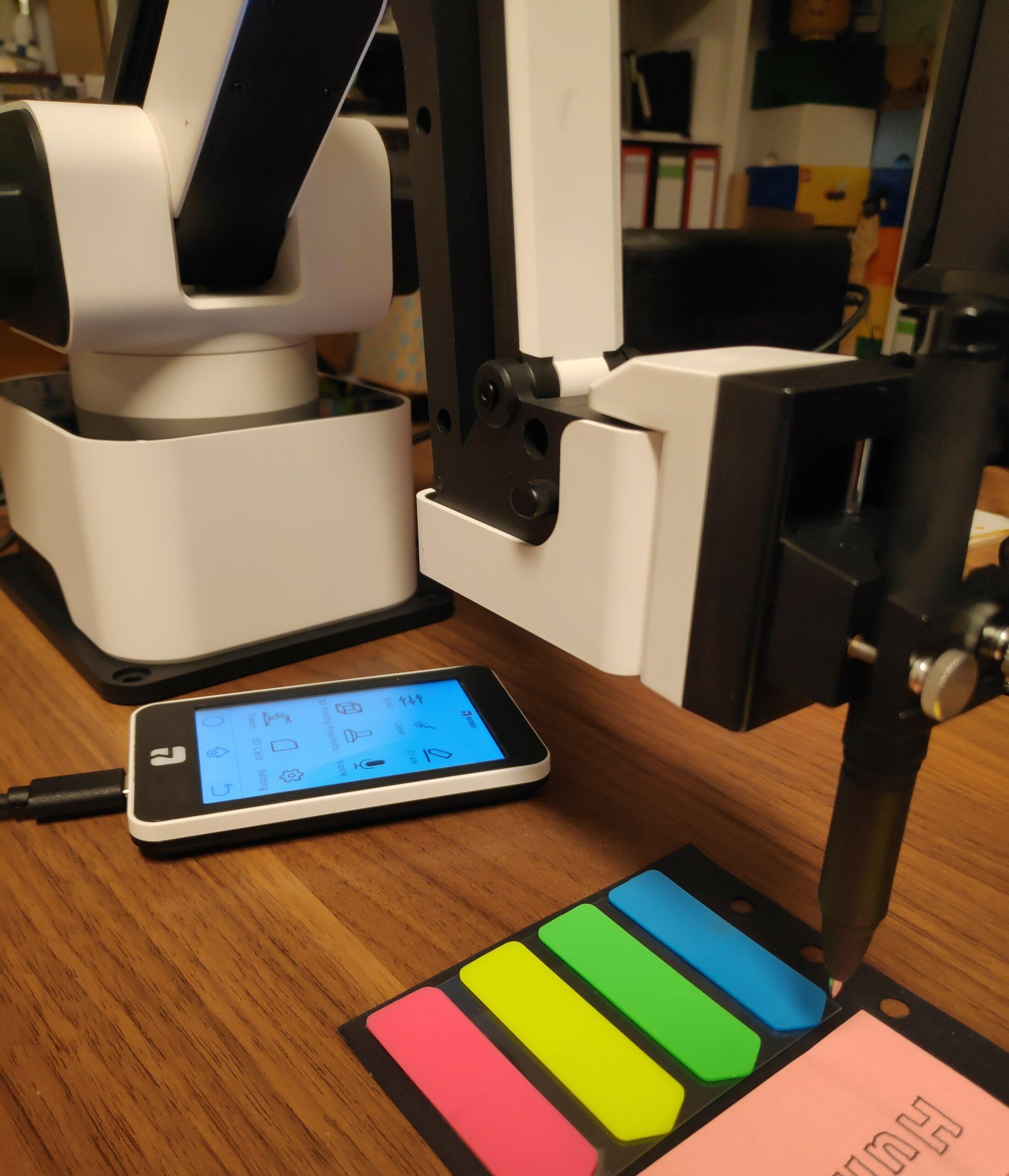
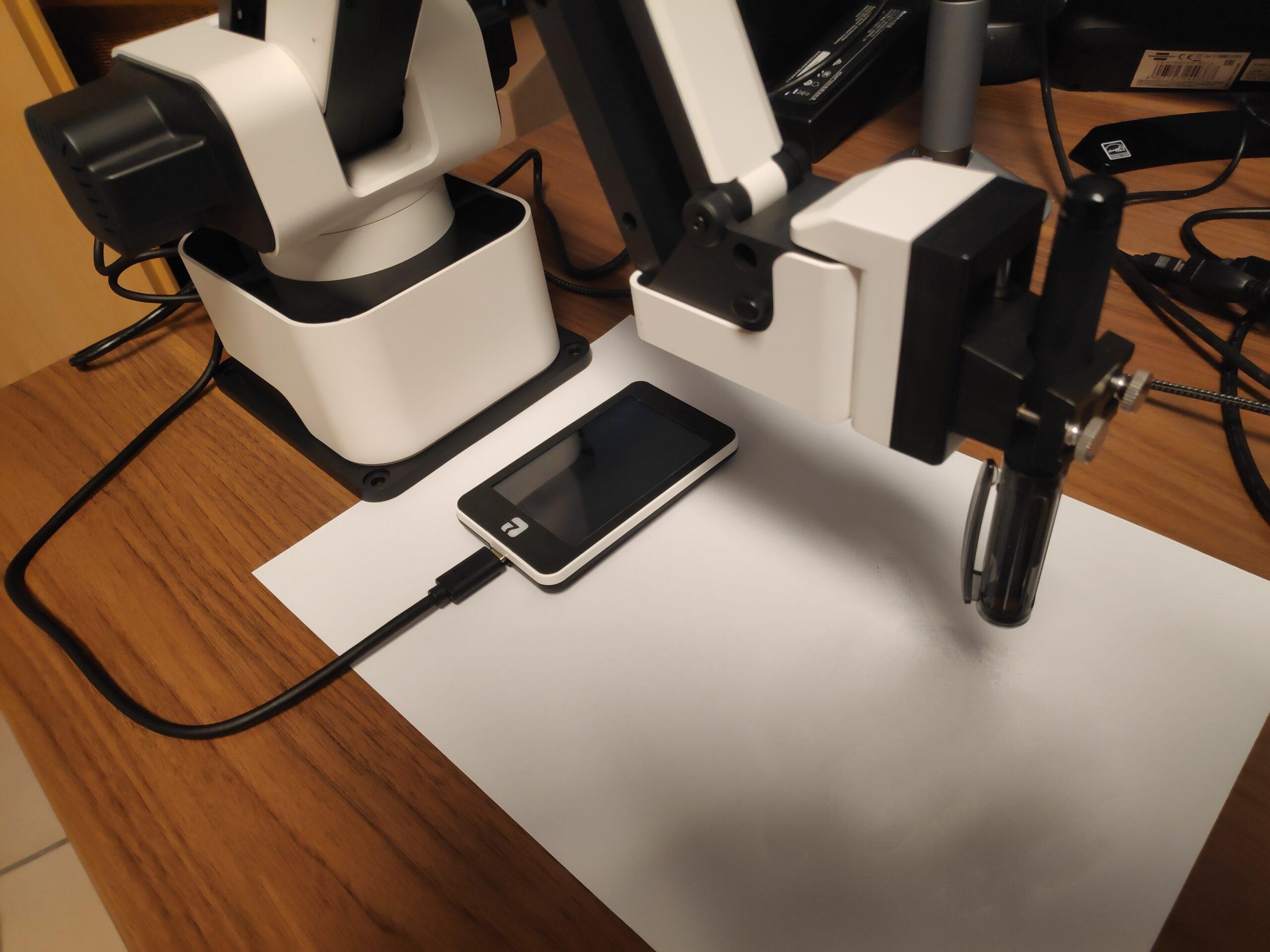
In this video you can see, only slightly accelerated, how quickly the Rotrics DexArm robot arm can be connected, set up and put into operation. For a first test, I let the robot arm draw my RobotsBlog logo.
Beforehand, I installed the latest firmware and software, as well as got to grips with the TouchPanel and tested its function. If you factor out this time, it takes no more than five minutes from unpacking to the first use of the robot arm.
If one forgoes the connection to the computer or the use of one’s own logo for testing purposes, the robot arm can be set up completely via the touch panel and tried out directly. This way, one could start even faster with the Rotrics DexArm and does not even need a computer.
In diesem Video seht ihr, nur leicht beschleunigt, wie schnell sich der Rotrics DexArm Roboterarm anschließen, einrichten und in Betrieb nehmen lässt. Für einen ersten Test, lasse ich den Roboterarm mein RobotsBlog Logo zeichnen.
Zuvor habe ich die neueste Firmware und Software installiert, sowie mich mit dem TouchPanel auseinandergesetzt und dessen Funktion getestet. Rechnet man diese Zeit heraus, so dauert es vom Auspacken bis zur erstens Verwendung des Roboterarms höchstens fünf Minuten.
Verzichtet man auf die Anbindung an den Computer oder das Verwenden eines eigenen Logos zu Testzwecken, kann der Roboterarm komplett über das Touchpanel eingerichtet und direkt ausprobiert werden. So könnte man sogar noch schneller mit dem Rotrics DexArm starten und benötigt noch nicht einmal einen Computer.
Insgesamt ist die Bedienung sehr einfach und die Software führt einen am Computer durch alle notwendigen Schritte. Hier sind keinerlei Vorkenntnisse erforderlich. Das Schreiben von Text oder Zeichnen von Grafiken mit dem Roboterarm könnte wirklich nicht einfacher sein.
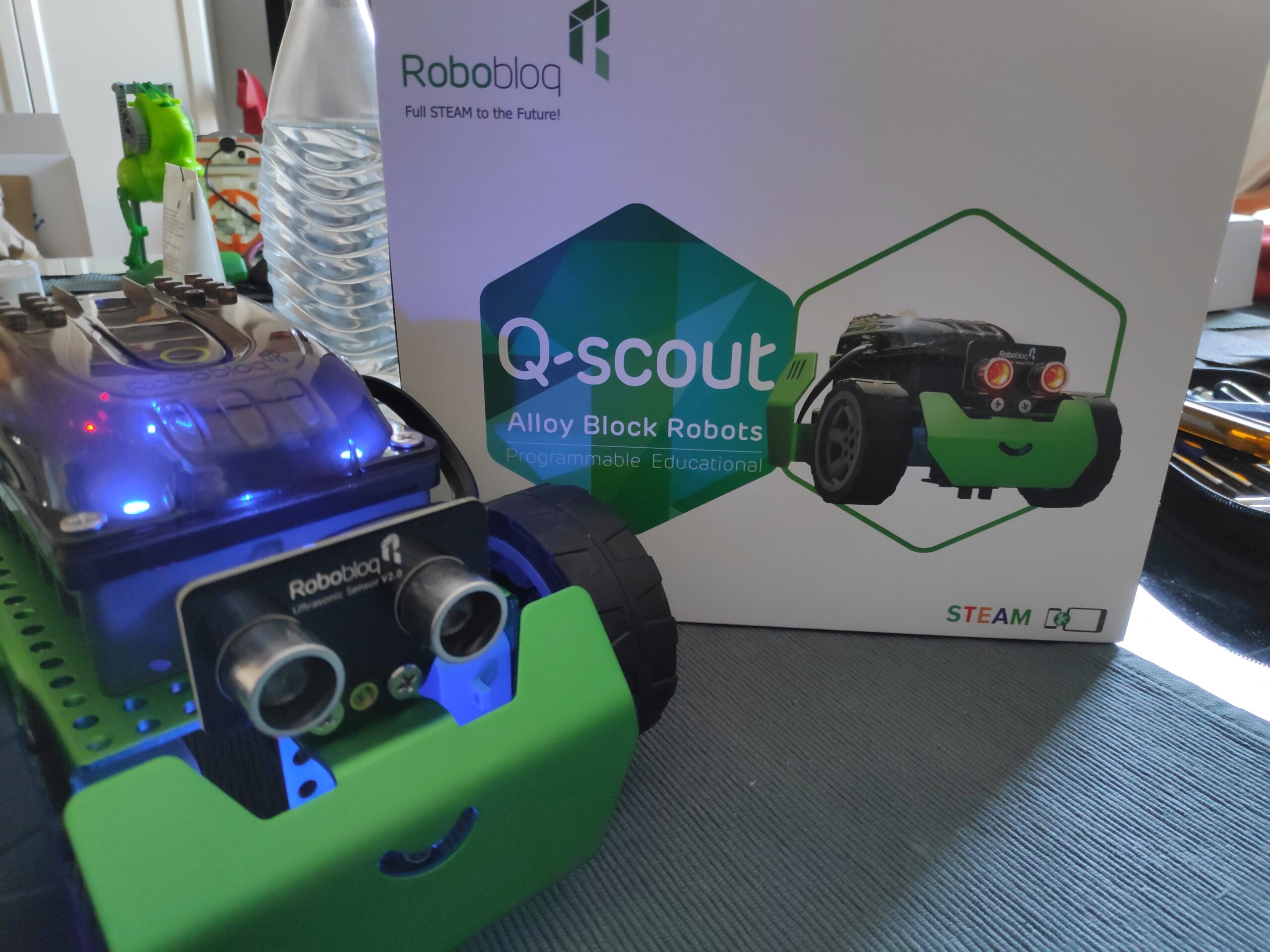
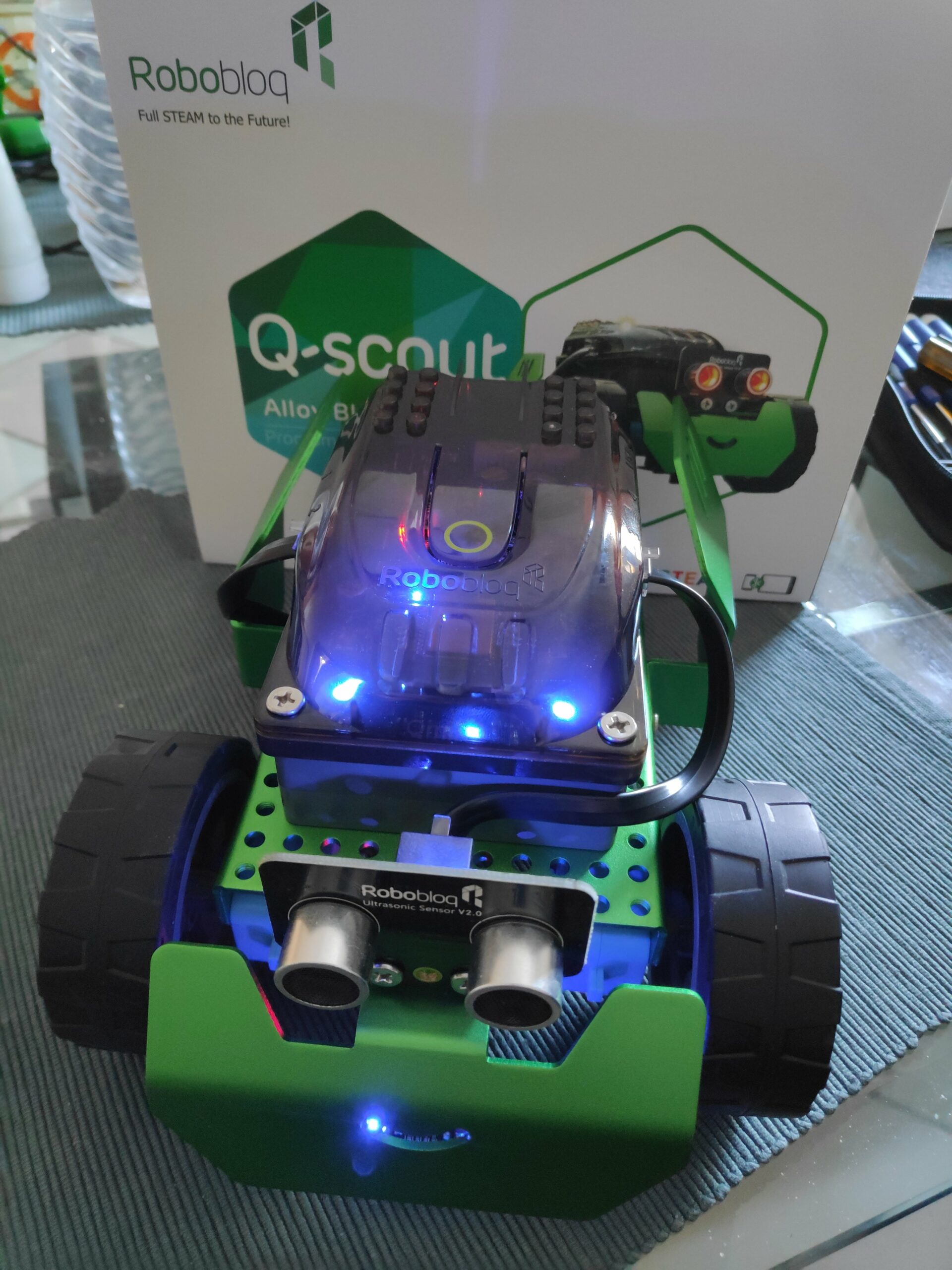
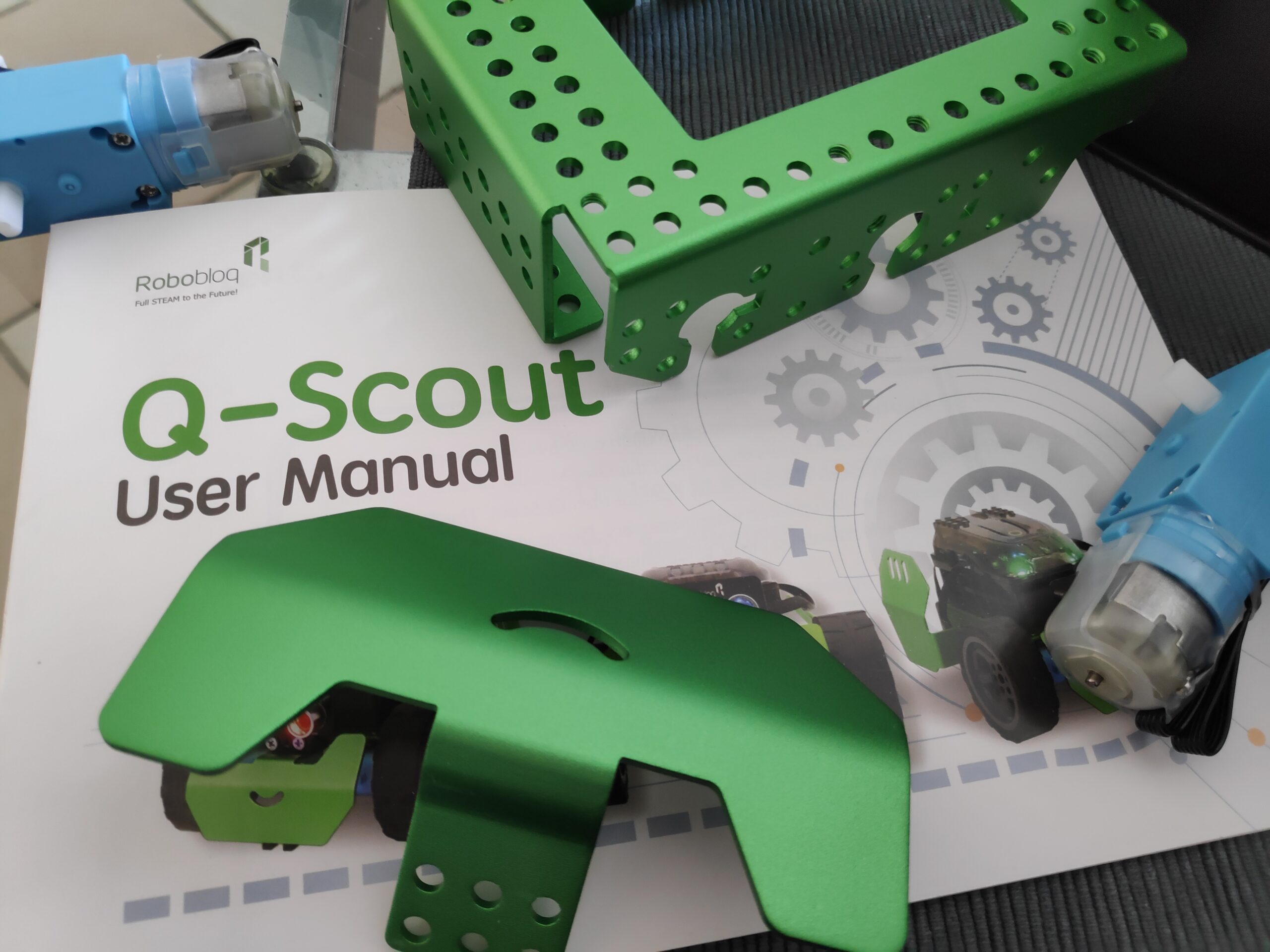
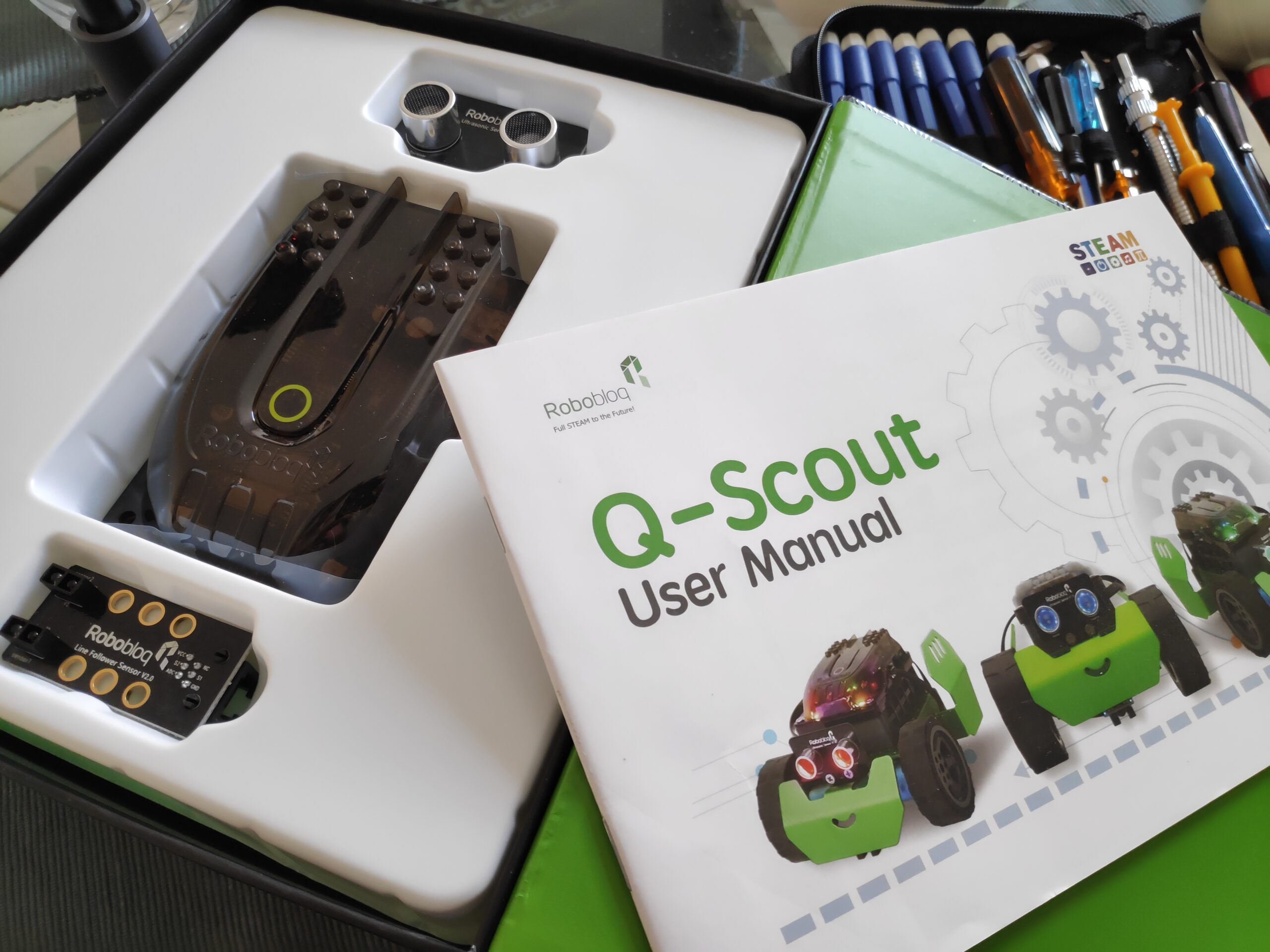
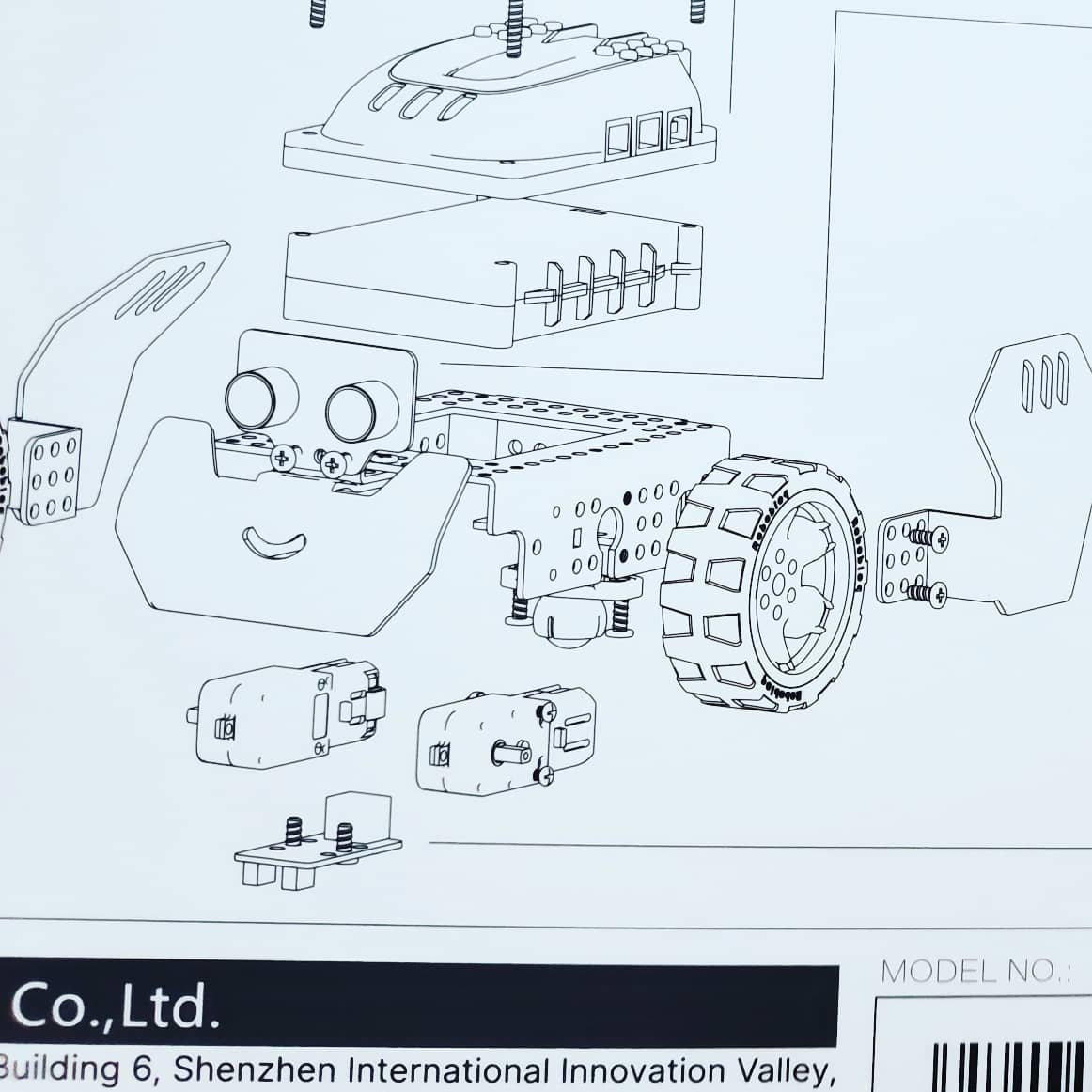
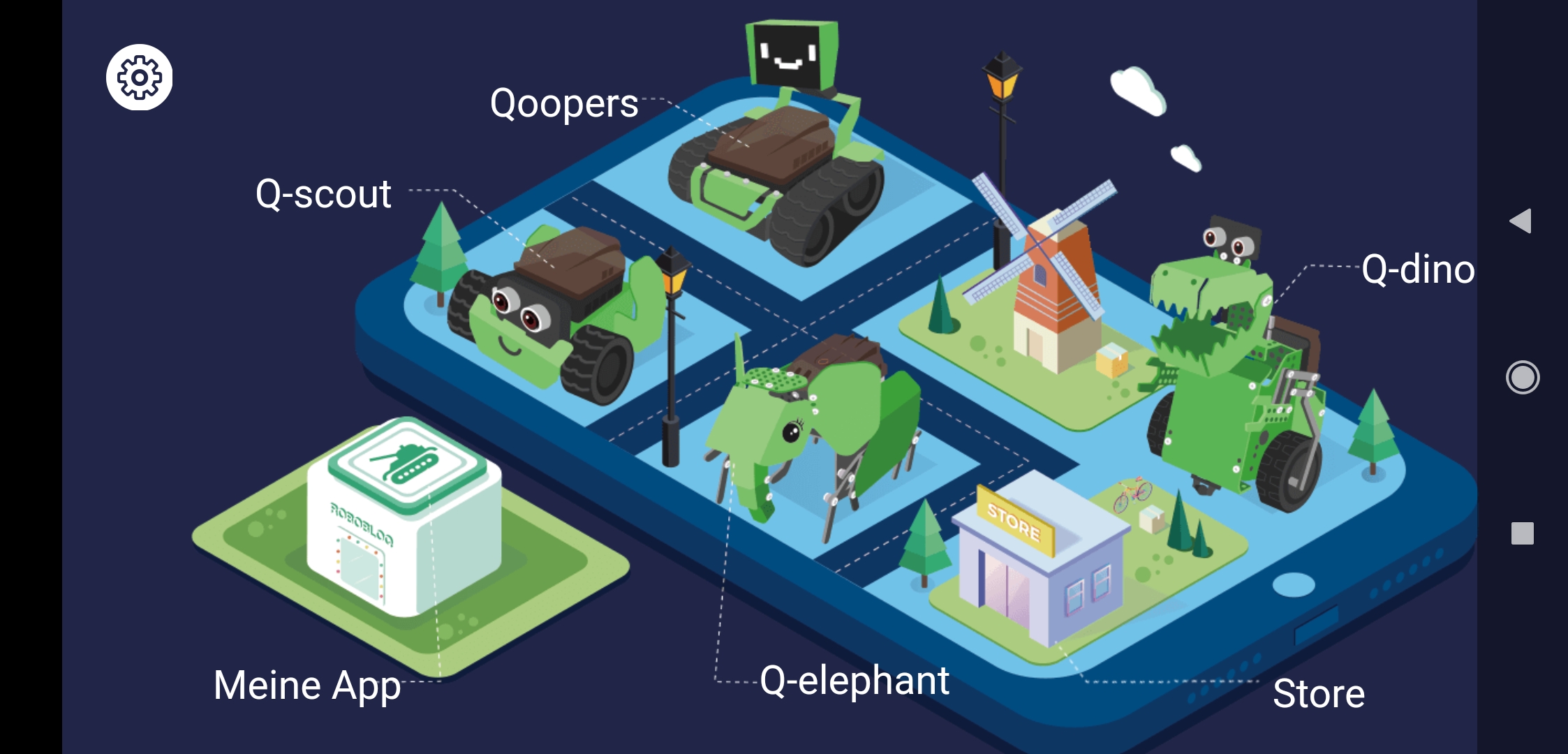
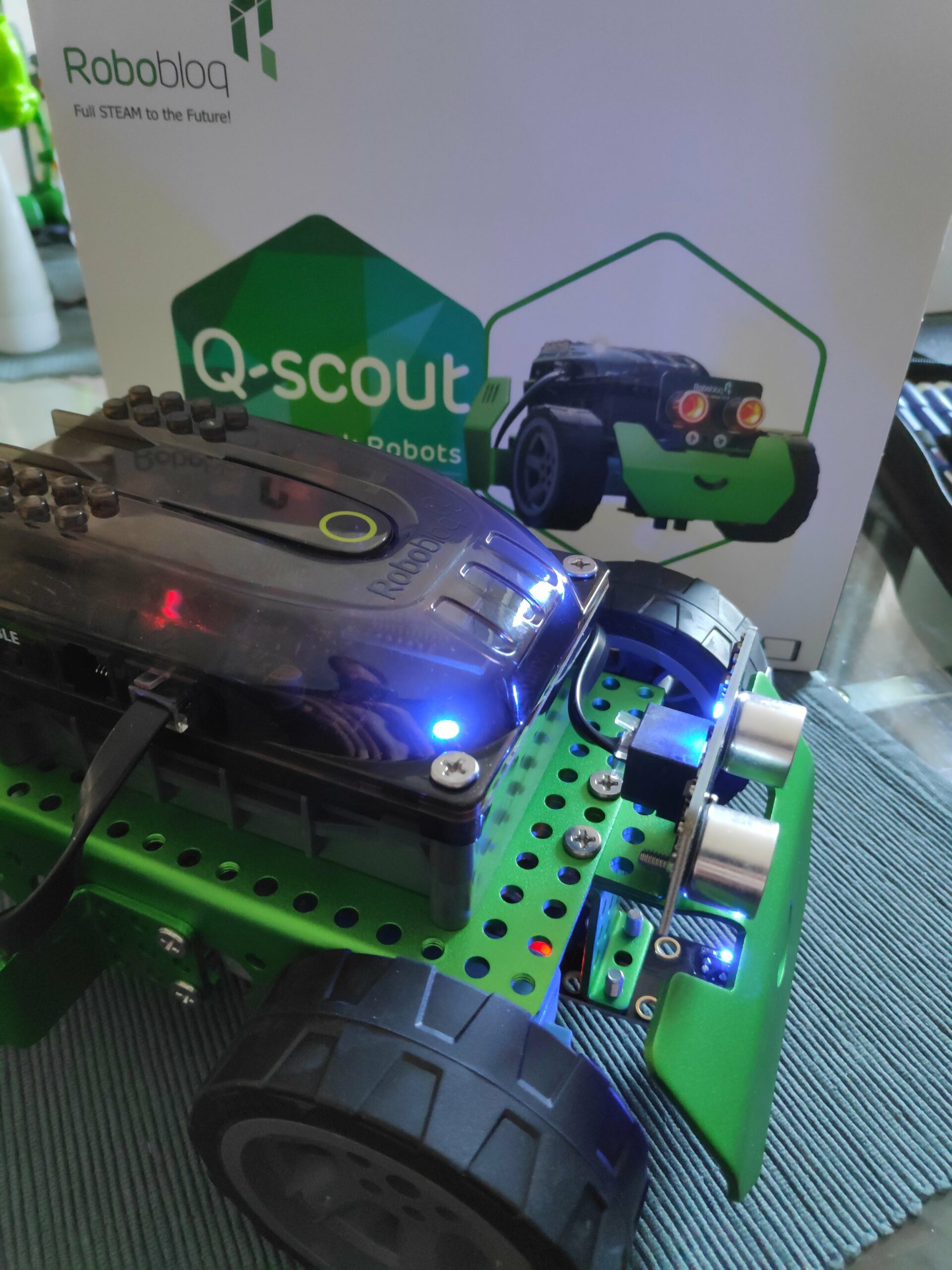
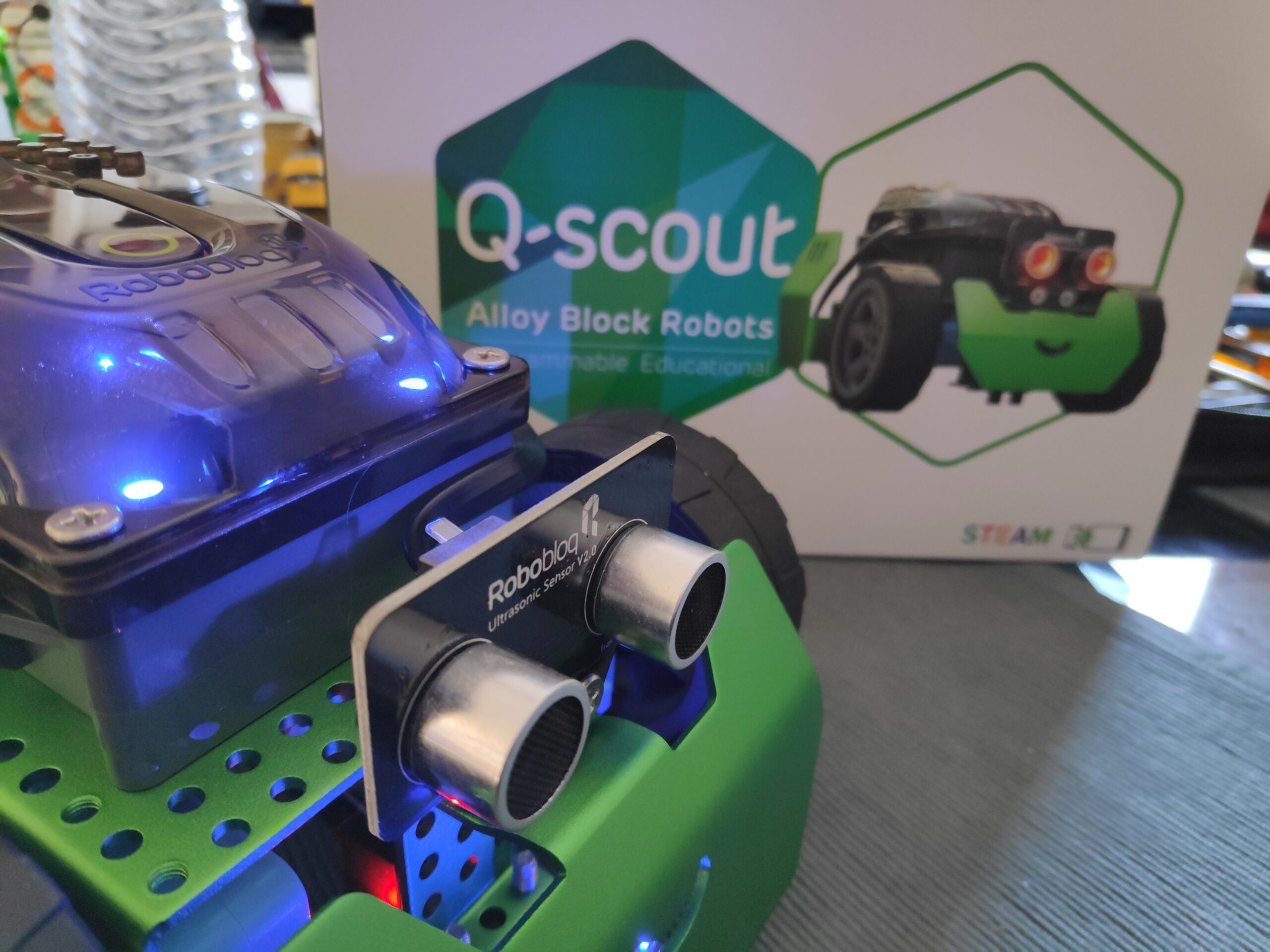
Q-Scout by @robobloq_official Robobloq. Timelapse Build of Q-Scout. Very nice and easy but sturdy build.
Find the latest News on robots, drones, AI, robotic toys and gadgets at robots-blog.com. If you want to see your product featured on our Blog, Instagram, Facebook, Twitter or our other sites, contact us. #robots #robot #omgrobots #roboter #robotic #mycollection #collector #robotsblog #collection #botsofinstagram #bot #robotics #robotik #gadget #gadgets #toy #toys #drone #robotsofinstagram #instabots #photooftheday #picoftheday #followforfollow #instadaily #werbung #robobloq #alloy #buildingkit
What would you do with your own robot arm? How can it support me at work? What can you automate, just for fun?
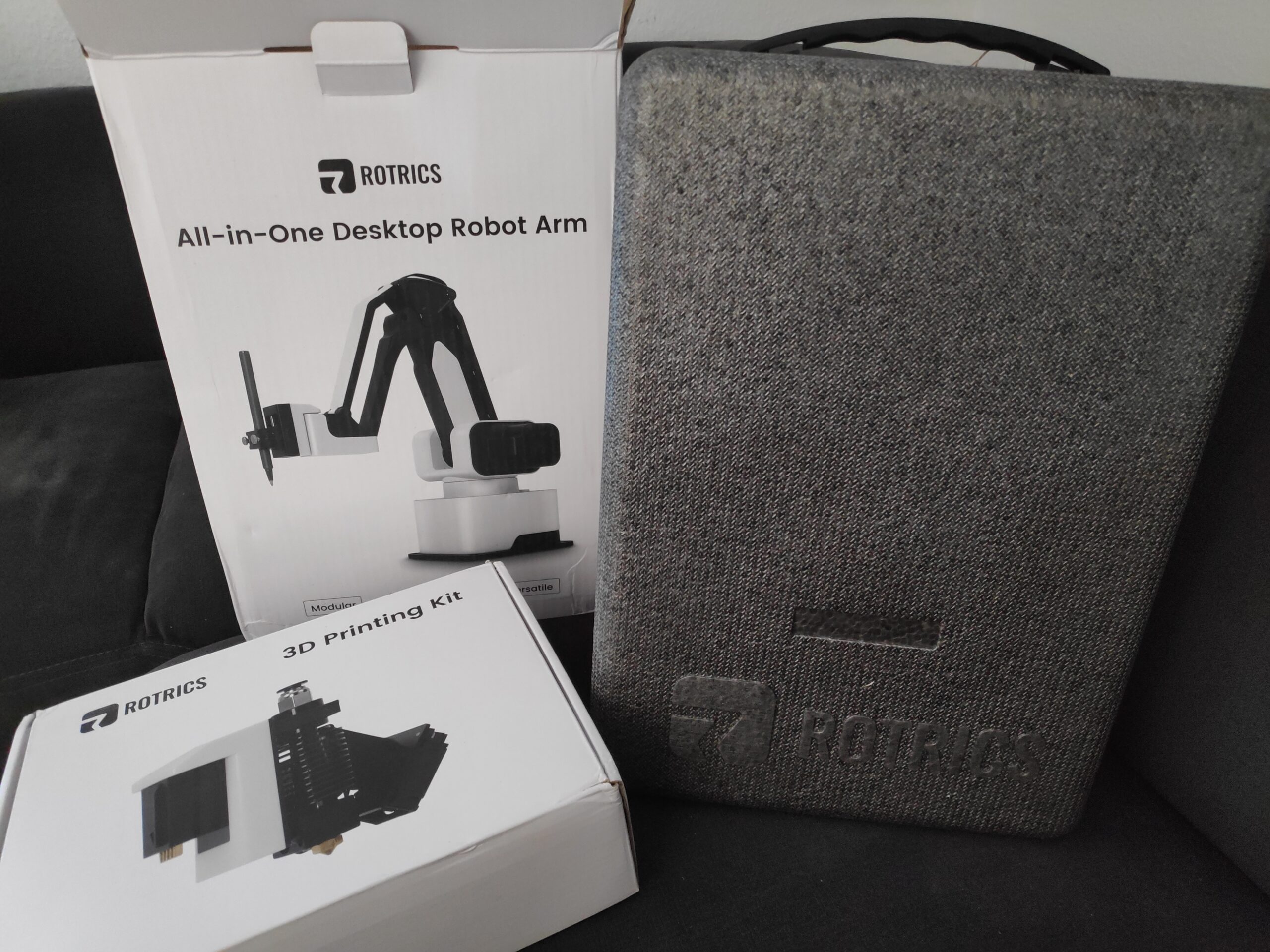
I have collected answers to these questions and ideas for projects over the last few years. If you have ideas or wishes for what a robot arm should do for you, please contact me. In the near future you will find various projects and results on Robots-Blog and our social media channels. I am supported by a Rotrics DexArm, which was kindly provided to me in the Luxury Kit version.
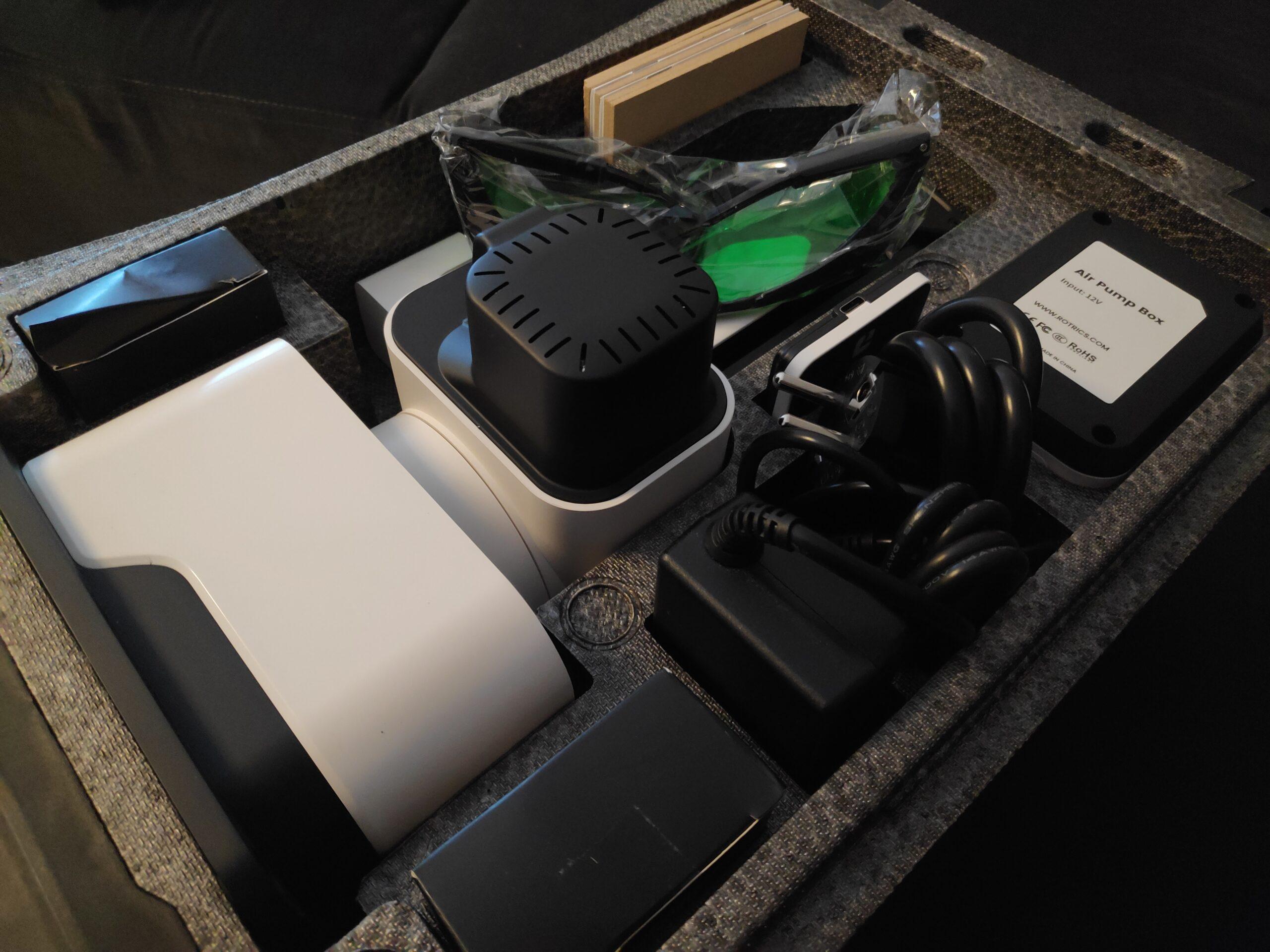
This version comes with a wide range of tools that make the maker’s heart beat faster. The Rotrics DexArm is supplied with the following tools:
– 1 x Rotrics DexArm – 1 x pen holder module – 1 x 3D printing module – 1 x laser module – 1 x safety goggles – 1 x pneumatic module – 1 x Air pump housing – 3 x suction cup – 3 x soft gripper – 1 x touch screen – 1 x extruder – 1 x construction plate – 5 x print stickers & wooden plates – 1 x DC Y power divider – 1 x power supply – 2 x Dual Type-C cables – 1 x Type-C cable – 1 x tweezers – 1 x spare nozzle
The packaging of the Rotrics DexArm deserves special mention. It comes in a great reusable hard foam case that makes the arm and its accessories safe for transport.
Here are the hard facts for the technology fans among you:
Was würdet ihr mit einem eigenen Roboterarm machen? Wie kann er mich bei der Arbeit unterstützen? Was kann man, einfach nur zum Spaß, automatisieren?
Antworten auf diese Fragen und Ideen für Projekte habe ich in den letzten Jahren gesammelt. Solltet ihr Ideen oder Wünsche haben was ein Roboterarm für euch machen soll, kontaktiert mich. In nächster Zeit werdet ihr verschiedene Projekte und Ergebnisse hierzu auf Robots-Blog und unseren Social-Media-Kanälen finden. Unterstützt werde ich hierbei von einem Rotrics DexArm, der mir dankenswerterweise in der Luxury Kit Variante zur Verfügung gestellt wurde.
Diese Ausstattungsvariante kommt mit verschiedensten Werkzeugen, die das Maker-Herz höher schlagen lassen. So kommt der Rotrics DexArm mit folgendem Lieferumfang:
• 1 x Rotrics DexArm • 1 x Stifthalter-Modul • 1 x 3D-Druckmodul • 1 x Lasermodul • 1 x Schutzbrille • 1 x Pneumatikmodul • 1 x Luftpumpengehäuse • 3 x Saugnapf • 3 x Soft-Greifer • 1 x Touchscreen • 1 x Extruder • 1 x Konstruktionsplatte • 5 x Druckaufkleber & Holzplatten • 1 x DC Y Leistungsteiler • 1 x Netzteil • 2 x Dual Type-C Kabel • 1 x Type-C Kabel • 1 x Pinzette • 1 x Ersatzdüse
Hervorzuheben ist hier noch mal besonders die Verpackung des Rotrics DexArm. Dieser wird in einem tollen wiederverwendbaren Koffer aus Hartschaum geliefert, der den Arm und sein Zubehör sicher transportfähig gemacht.
Hier noch die harten Fakten für die Technik-Fans unter euch:
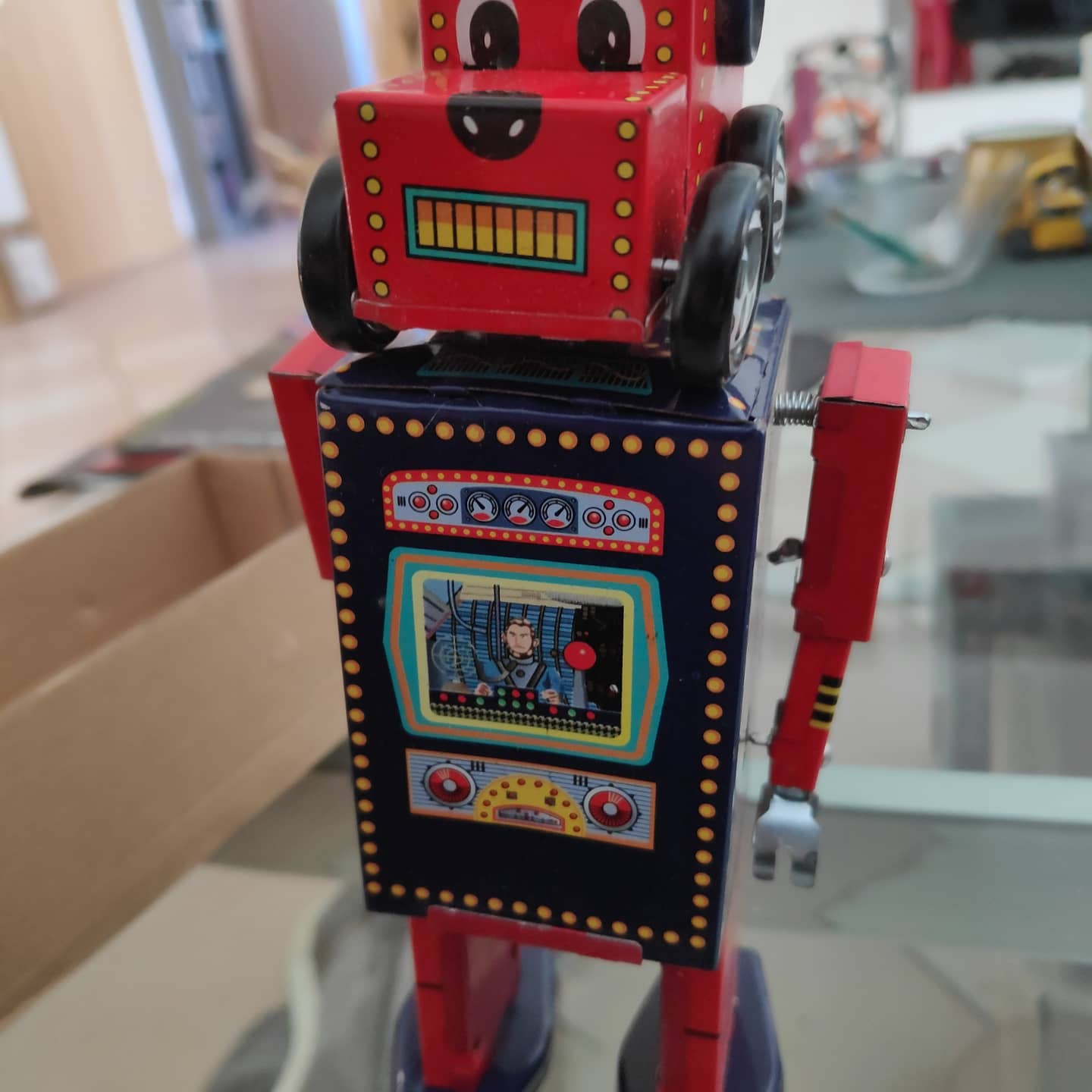
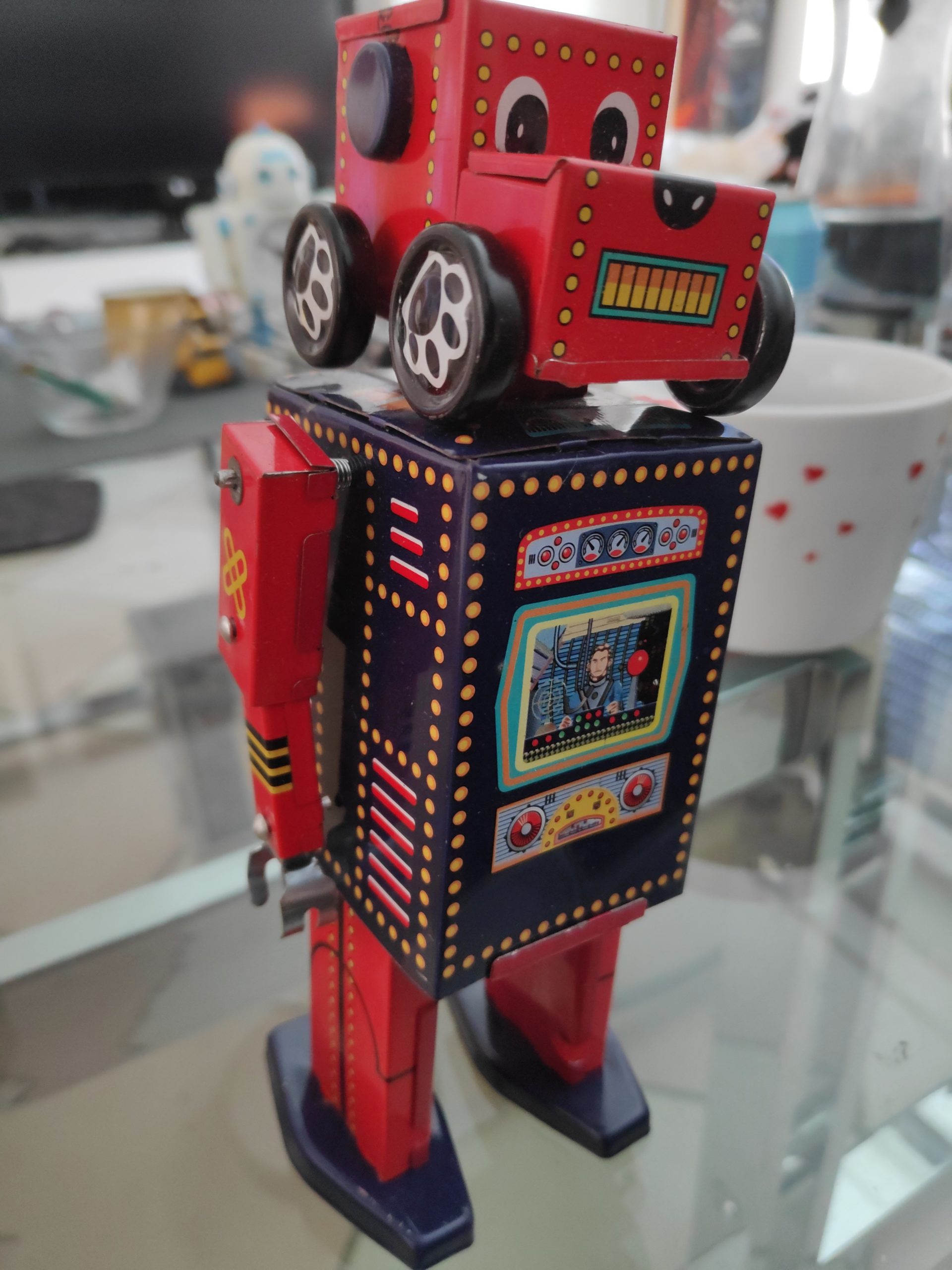
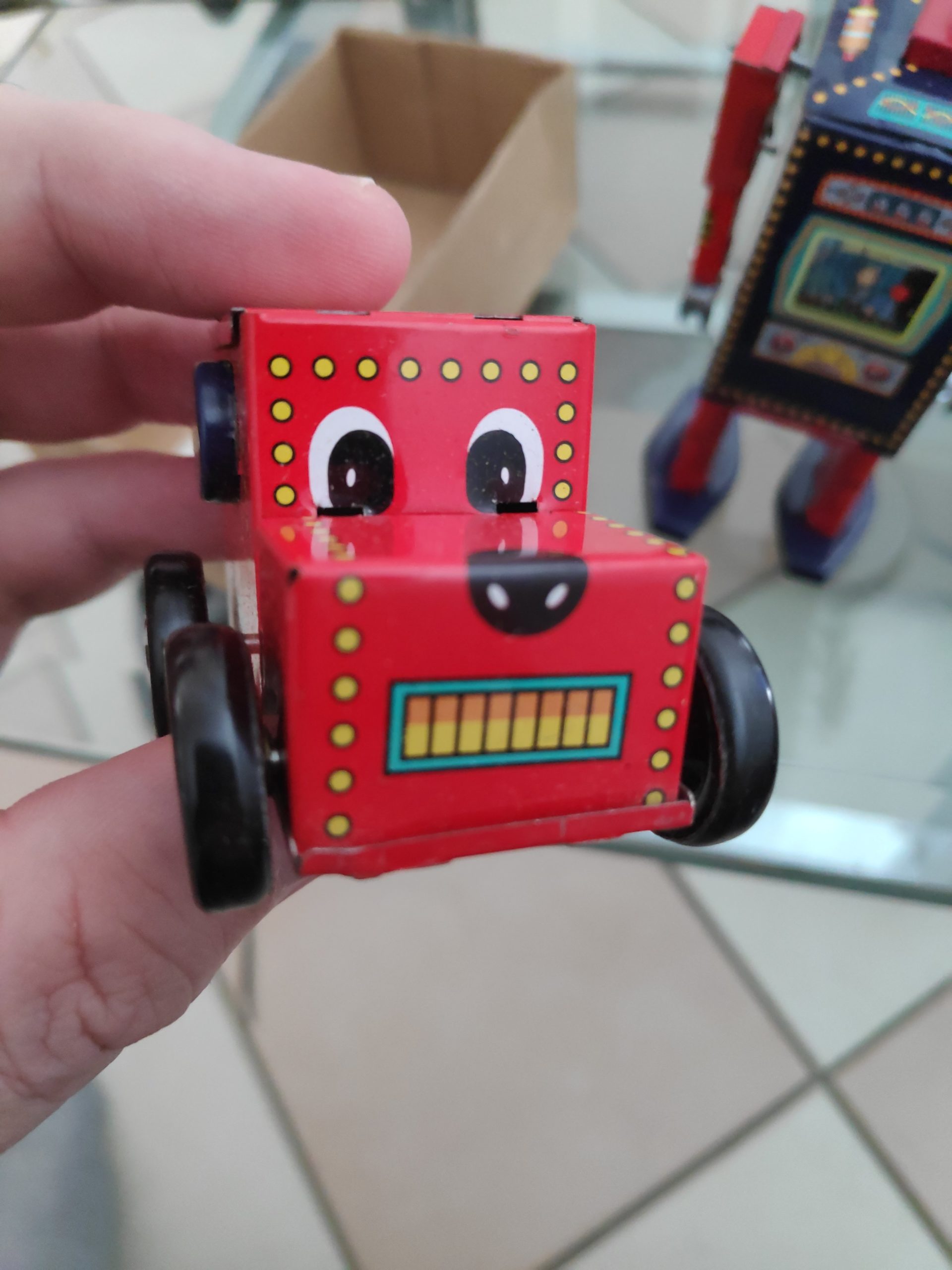
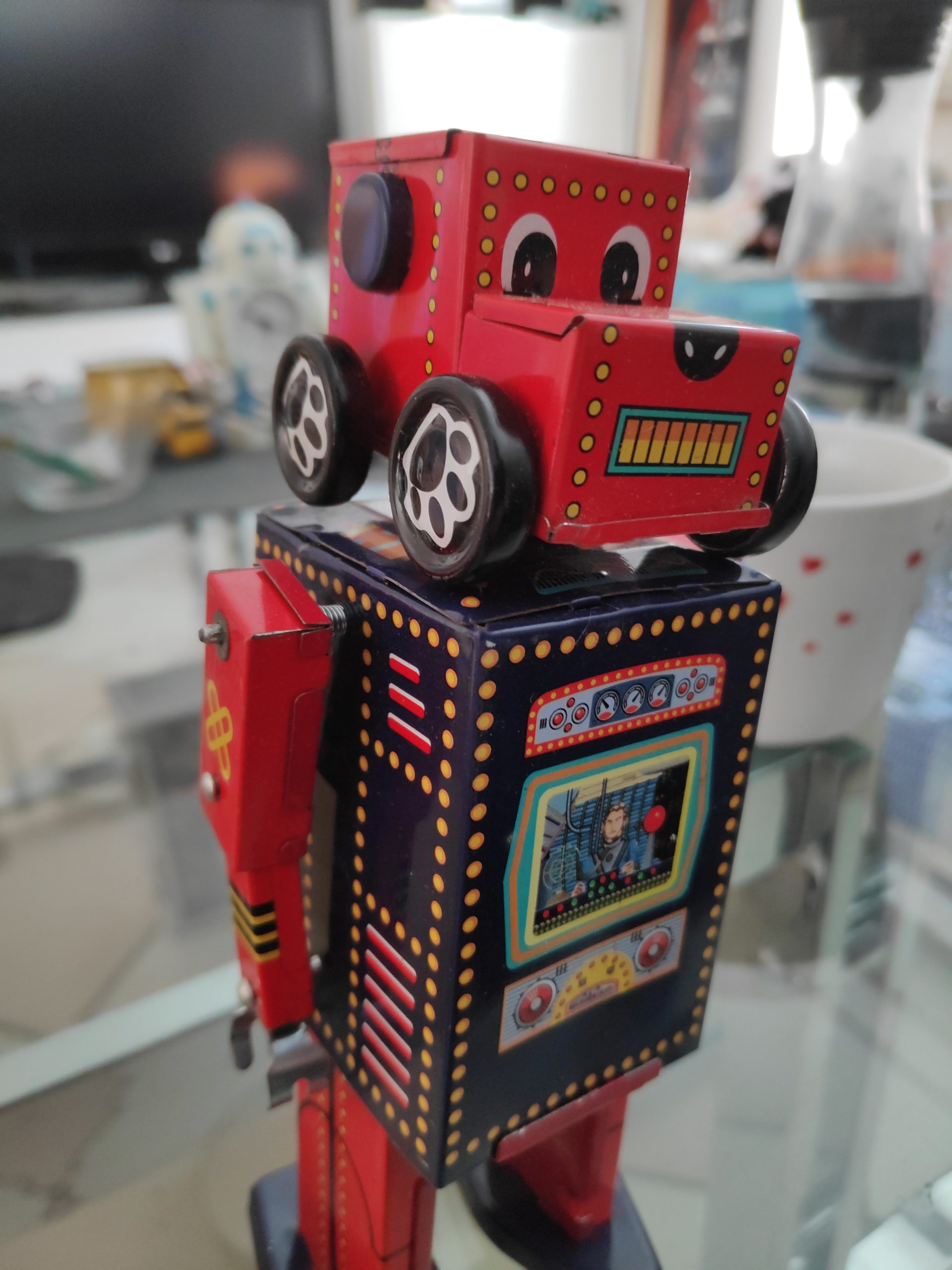
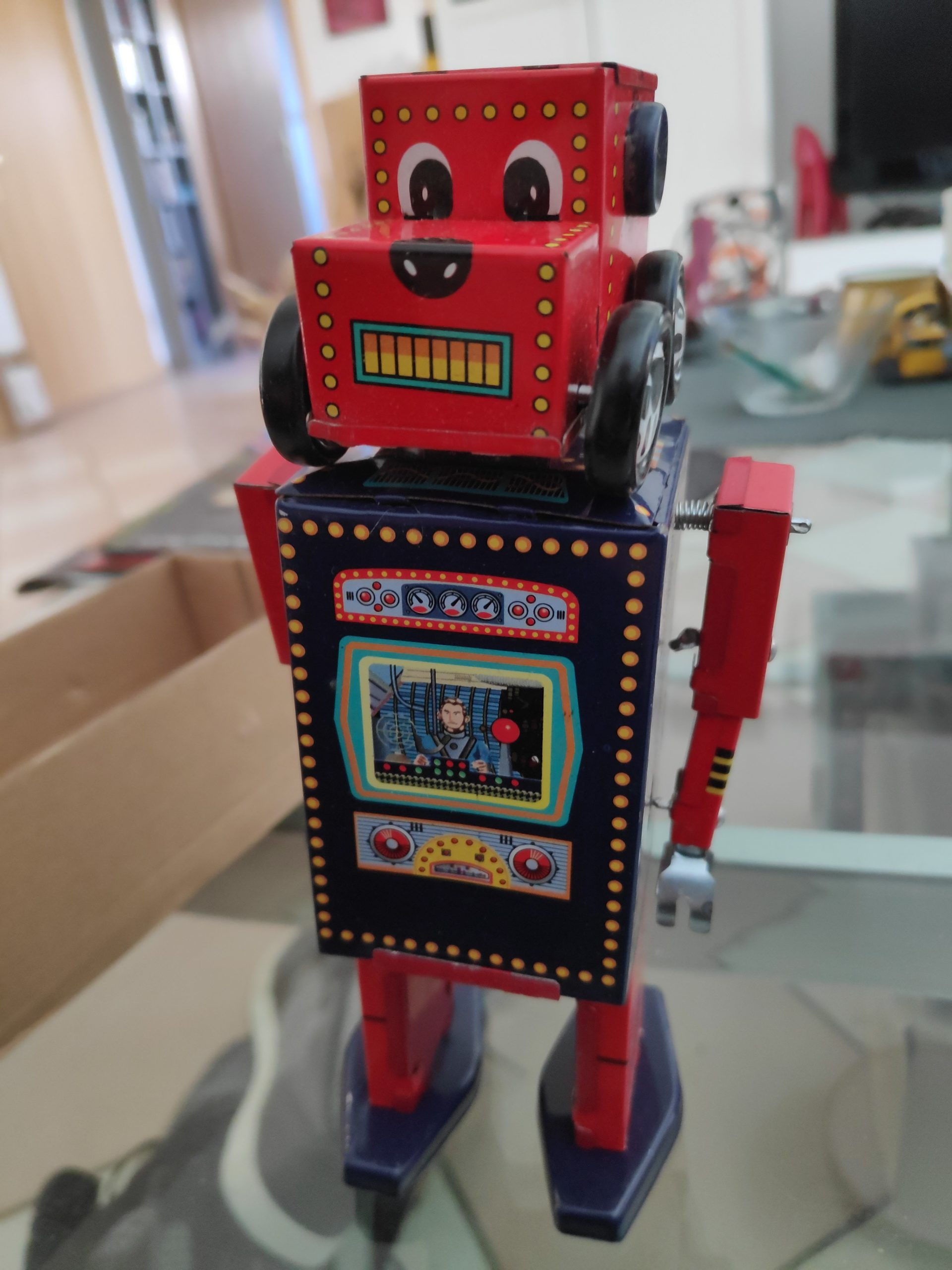
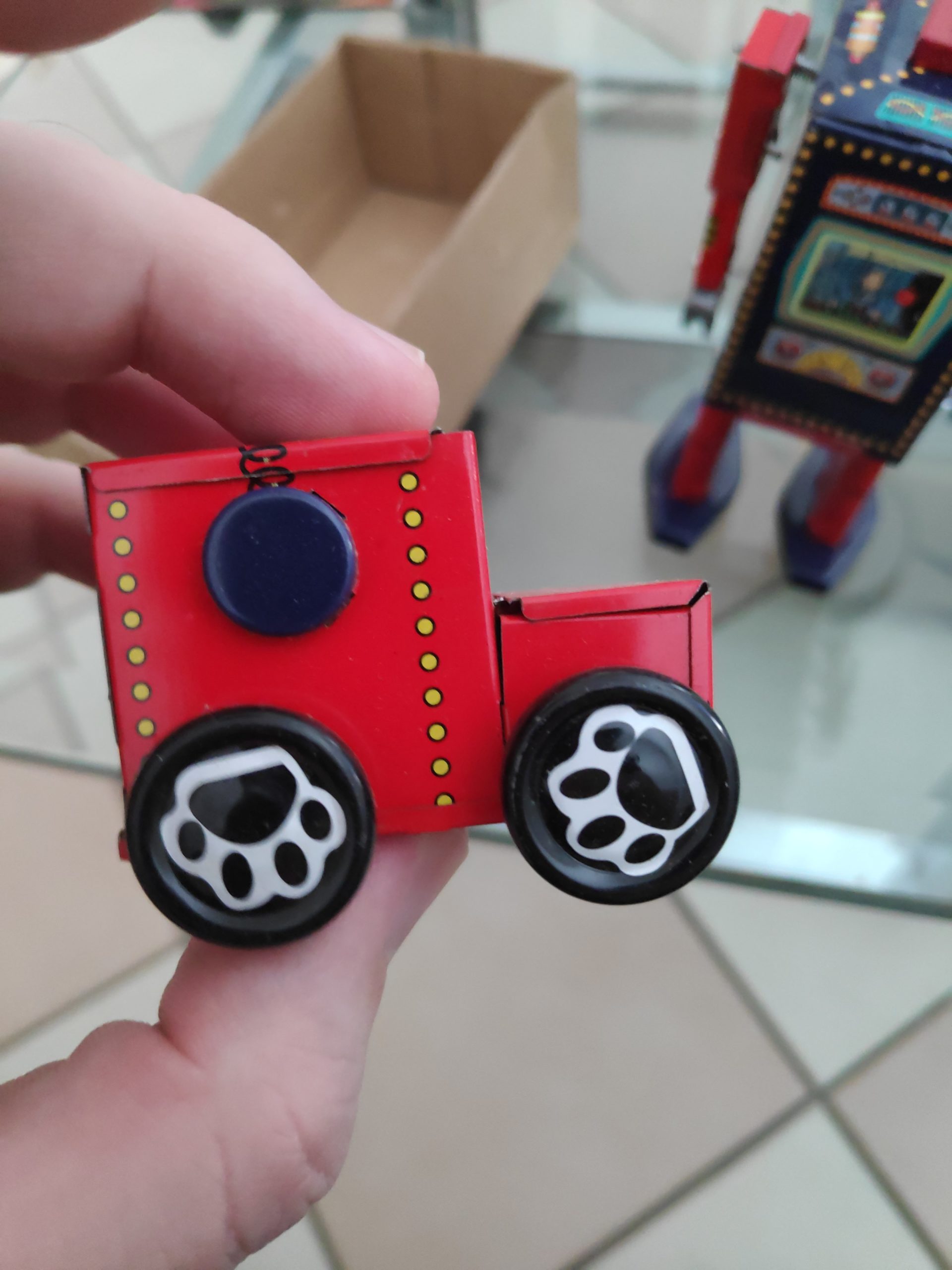
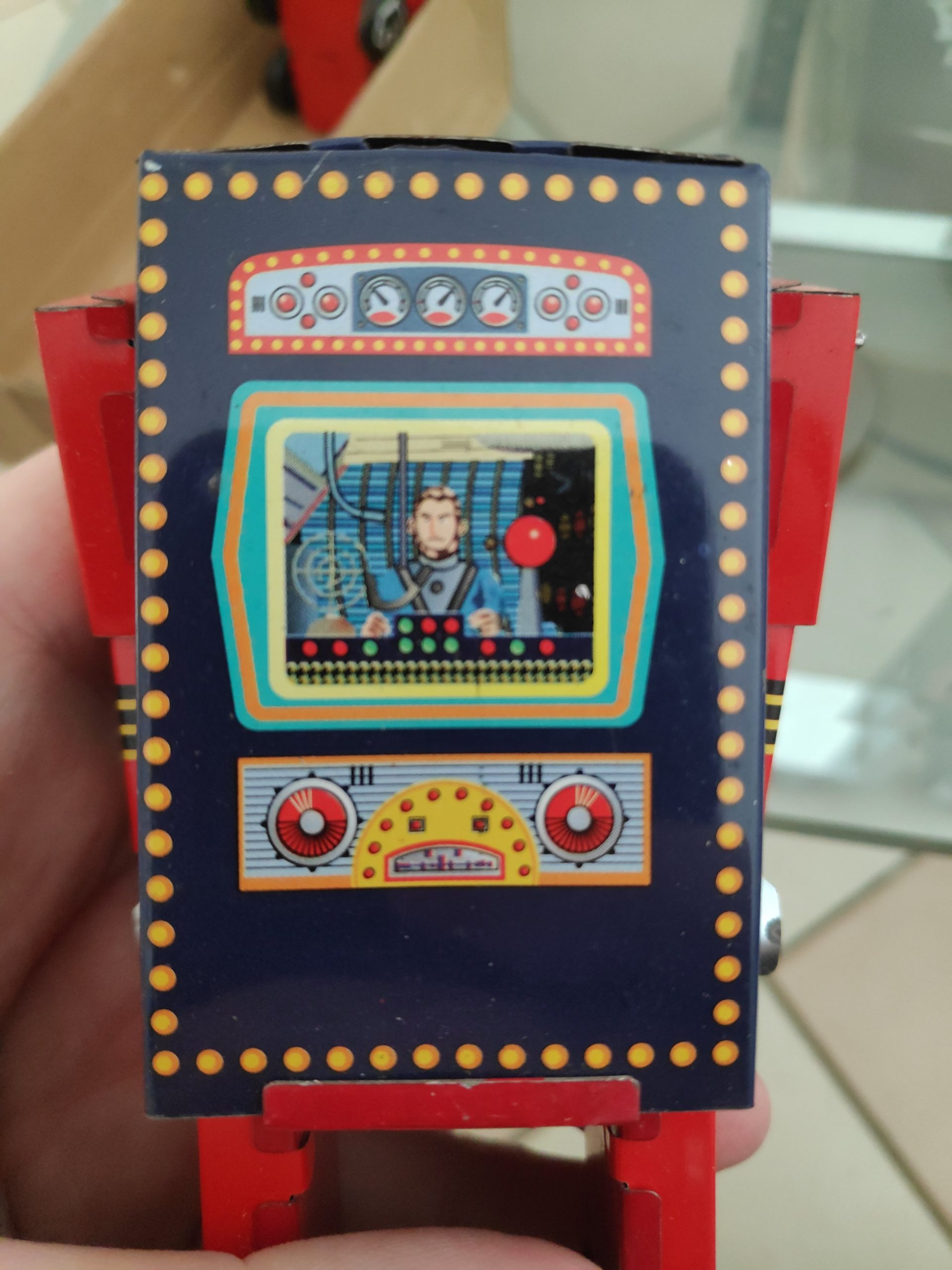
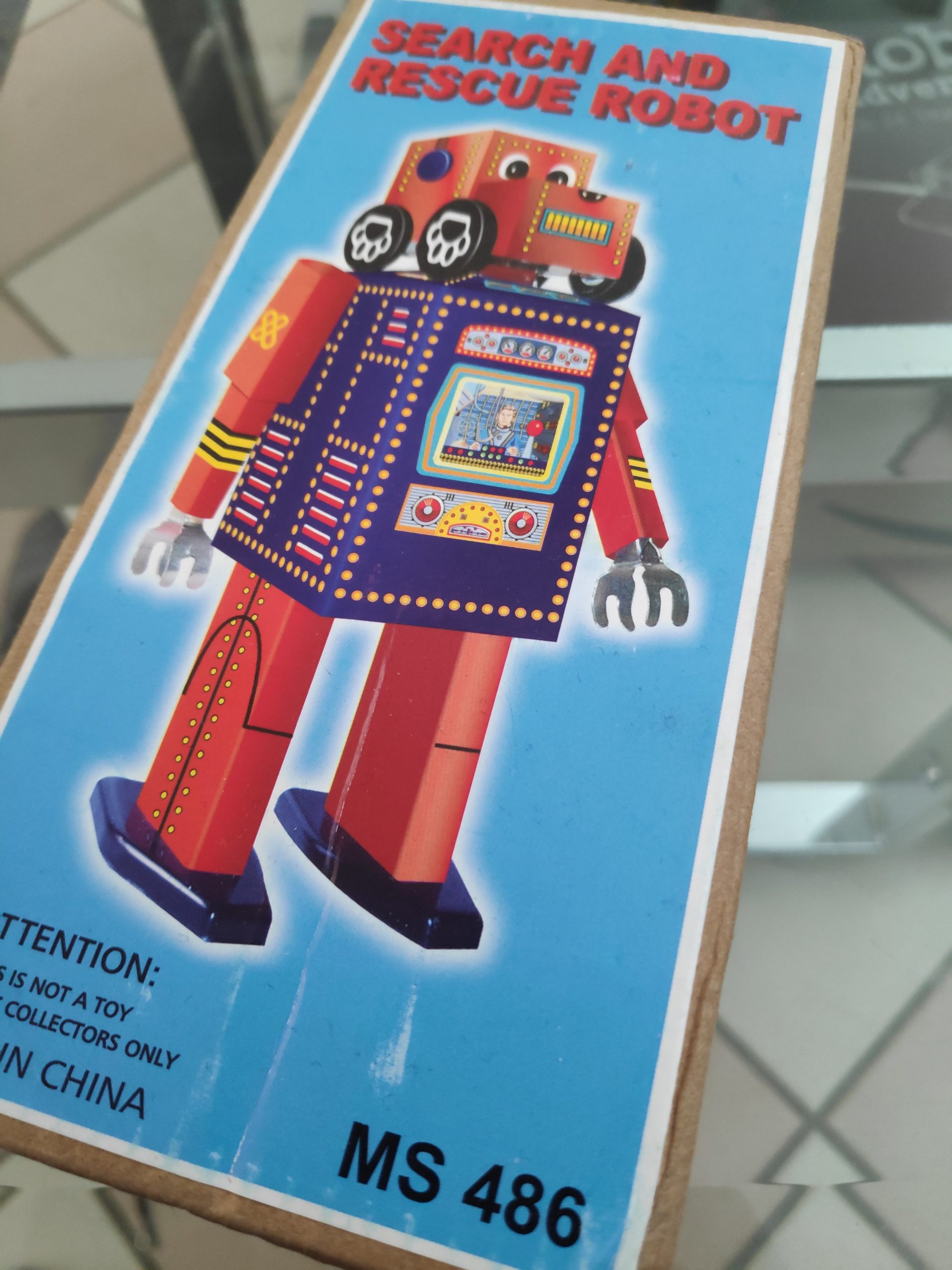
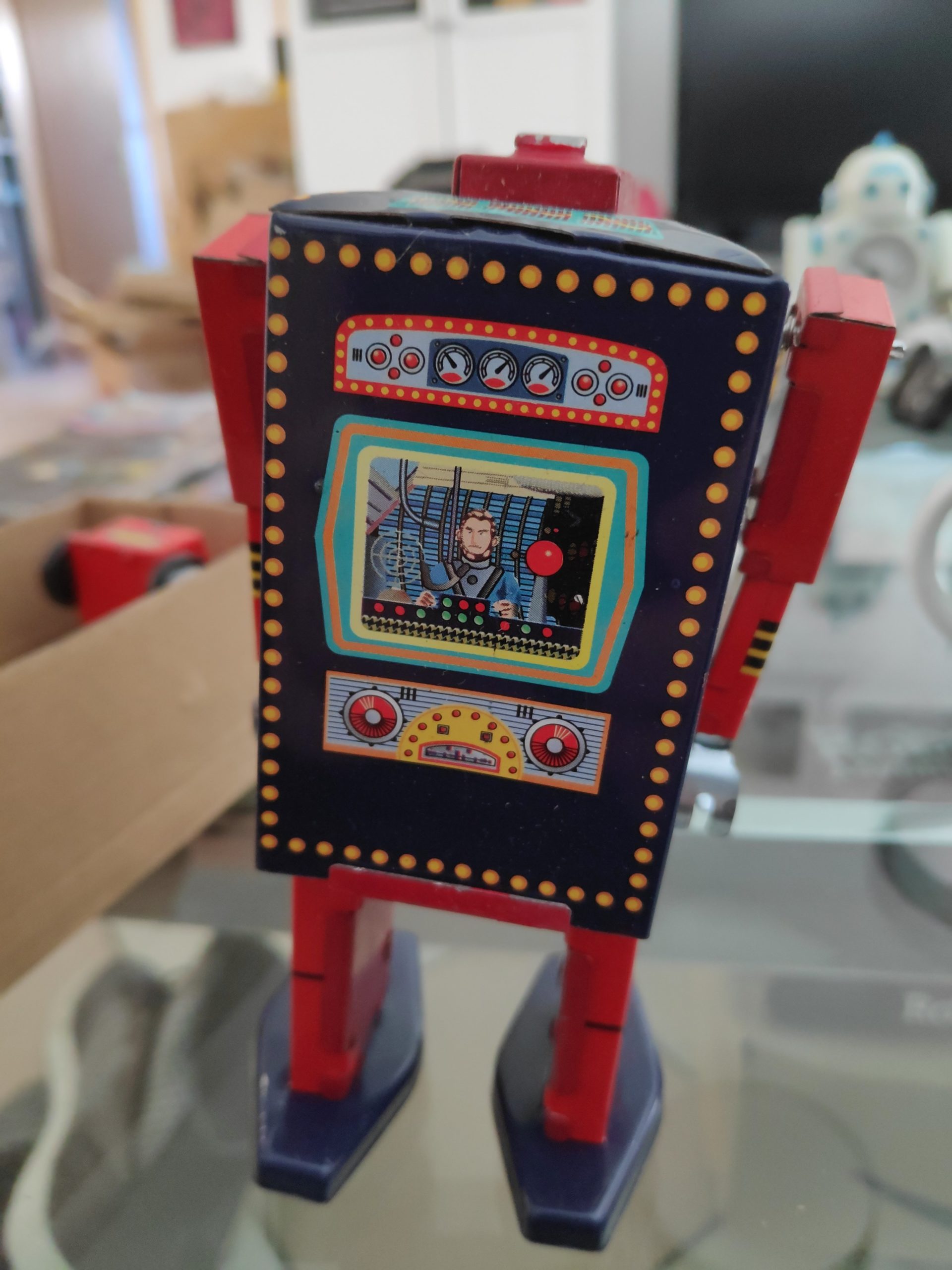
Tin Toy Search and Rescue Robot MS486 with detachable Dog Head Pullback car. Find the latest News on robots, drones, AI, robotic toys and gadgets at robots-blog.com. If you want to see your product featured on our Blog, Instagram, Facebook, Twitter or our other sites, contact us. #robots #robot #omgrobots #roboter #robotic #mycollection #collector #robotsblog #collection #botsofinstagram #bot #robotics #robotik #gadget #gadgets #toy #toys #drone #robotsofinstagram #instabots #photooftheday #picoftheday #followforfollow #instadaily #tintoy #tinrobot #tin #pullback #windup
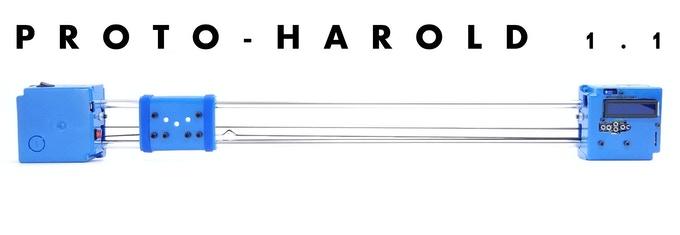
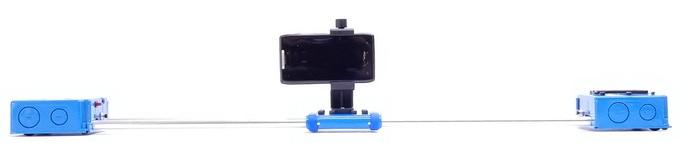
The PROTO-HAROLD 1.1 is a simple, light weight robot, designed to easily bring a CINEMATIC element to any video project. Designed, Machined and Hand Assembled in Cleveland, Ohio, USA.
Your smartphone can go from pocket to stunning motion shot in under 10 seconds as the PROTO-HAROLD 1.1 has ZERO assembly or setup, programming or technical know-how required for use. Simply insert your smartphone, press „ON“, followed by „GO“ and you have a MOVING VIDEO.
Perfect for live streams, nature documentaries, music videos, interviews, YouTubers, TikTokers, movie projects for screens large and small, commercials, presentations, video demonstrations, school projects, home movies, advertisements, video production, unboxing videos, reaction videos, literally… any video project imaginable.
BOUNCE: When turned on, the PROTO-HAROLD 1.1 will begin running „BOUNCE“, a custom-written, pre-loaded program which will move the CAMERA SLED from one end of the track to the other. Instead of only traveling only one time like other systems, or harshly running back and forth, BOUNCE slowly brings the camera sled to a smooth, full stop, before reversing and smoothly accelerating backwards to full speed, endlessly repeating this choreographed process.
The speed and travel length are both adjustable, with a max travel speed of ~1cm per second, or ~50 seconds to go 52cm / 20.5″ from one end to the other.
This is useful as an extra „camera man“ during an interview process to provide an extra moving camera angle, or set it up to capture a moving shot when you aren’t exactly sure when the action will start, let it run for a bit and choose the best moving shot.
MOVING TIME LAPSE: Use the backlit LCD screen and EASY MENU to change modes to TIME LAPSE and set a desired time frame of 2 – 60 minutes. The PROTO-HAROLD 1.1 does the math and will travel from one end to the other, slowly accelerating, reaching full speed, decelerating and smoothly coming to a stop within the time frame selected. Once done, it will park and then ask to run a second time in reverse.
FEATURES:
Light Weight and Portable (under 2 pounds / under 1kg)
34″ x 4″ x 2″ (87cm x 10cm x 5cm)
20.5″ of camera movement (52cm)
Strong for its size (can lift itself, or up to 2 pounds vertically)
Designed for smartphones up to 2 pounds, but can slide 10+ pounds (not recommended)
USB rechargeable (take and charge it anywhere)
~2 Hour Runtime (horizontal, no camera)
~1 Hour Runtime (vertical, no camera)
RECORD MOVING TIME LAPSE VIDEO (2 – 60 minutes) with soft start and stop
(3) 1/4″ standard tripod bottom mounting holes on each end
Non-marring rubber feet
Self Calibrating
Powered by a 16MHz Super Computer Thinking Machine
Precision Stepper Motor Control
Quiet Operation
(2) Lithium Ion Rechargeable Batteries
RED/GREEN charging LED
Replaceable Safety Fuse (remove for long term storage/transport)
Pre-programmed with an EASY USE MENU, turn it on and use it